
|
Do it yourself
| |||
| ||||


How to set the clock on the Smart Fortwo
Model: Smart Smart
450
- Years 1998-2007
Today we will discover the instructions that will allow us to set the time on the clock located on the dashboard of the Smart Fortwo, in simple and quick steps. First of all, we get on board the car and start the instrument panel; then we use the buttons located behind the clock to move the hands until we set the correct time, as shown in the video. It is possible to adjust the clock at any time before starting the engine; finally, we turn off the instrument panel and start the engine!
Posted on 4 June 2025 by ScegliAuto
Video tutorial
Related tutorials
Smart
(2007-2015 /
451)
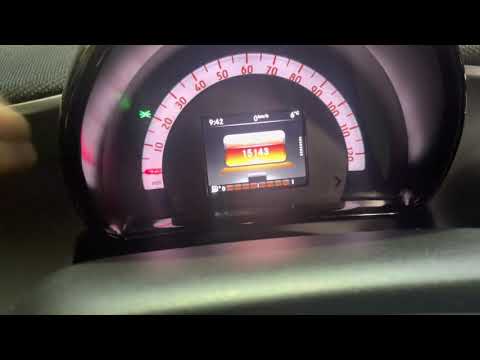
These short and simple steps will allow us to change the time on the display of the Smart Fortwo instrument panel. First, we get into the car and sta…
Smart
(2014-2022 /
453)
If you want to manually change the time on your Smart Fortwo, but don't know how to do it, don't worry because you just need to follow the instructio…

Smart
(2007-2015 /
451)
To set the clock of the Smart Fortwo, we start by turning on the car's engine, press the button to the left of the odometer until the clock with the …
Other guides you may be interested in
|
BMW X1 Battery Replacement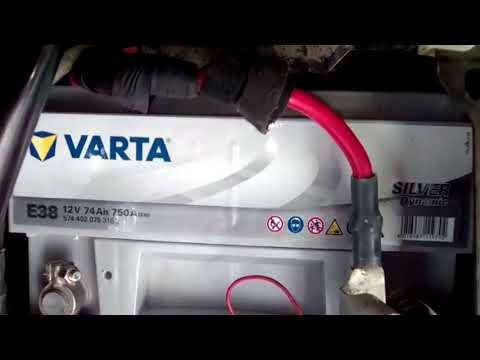
In this video tutorial, you will learn how to remove and replace the battery in a BMW X1. First, lift the hood and locate the battery. Next, use a wrench to remove the air filter hose and disconnect the nearby tubes along with the entire airbox, as shown in the video. Remove the cover bar over the battery by unscrewing all the bolts on both sides. Once removed, disconnect the battery terminals by unscrewing the nuts. At this point, remove the bracket at the bottom that holds it in place by unscrewing the bolt, and then extract the battery! by ScegliAuto More videos
|
|
For advertising on this site Write to info@scegliauto.com
ScegliAuto is not responsible for any inaccuracy of the data in the lists. To report any inaccuracy or your business (if you own the business in question), please write to info@scegliauto.com
Number of seconds to generate the page: 0.080
(c) ScegliAuto 2026 - info@scegliauto.com - Privacy policy VAT number: IT01247470535 |
