
|
Do it yourself
| |||
| ||||


How to activate the cruise control of the Smart Fortwo
Model: Smart Smart
453
- Years 2014-2022
In this guide we will see the main instructions on how to activate the cruise control system on the Smart Fortwo. First of all, get on board the car and start the engine; in order for the cruise control to activate, it is necessary to reach a certain minimum speed, using the buttons on the left to activate the speed regulator, as shown in the video. At this point, we will set the speed with the plus and minus buttons, which are found at the bottom right of the steering wheel; by pressing the activation button again or lightly touching the brake pedal, we will deactivate the cruise control.
Posted on 2 October 2025 by ScegliAuto
Video tutorial
Related tutorials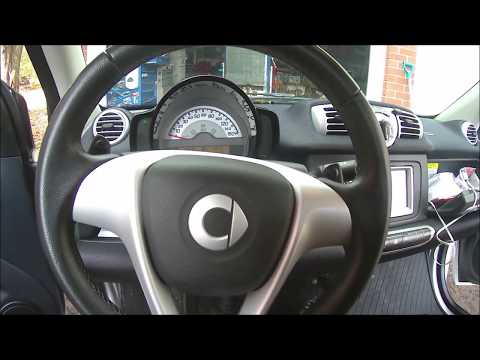
Smart
(2007-2015 /
451)
Below we will see the steps that will allow us to install the speedometer, including the temperature sensor and battery charge monitoring system, for…
Smart
(2007-2015 /
451)
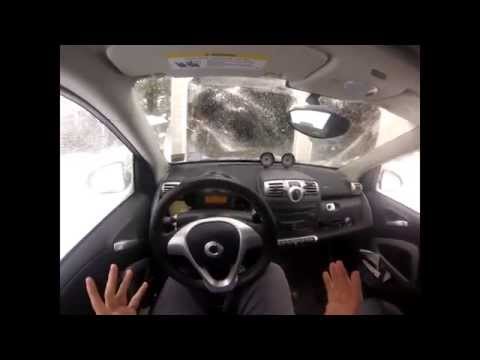
Let's see in this short video tutorial how to disable the traction control on a Smart Fortwo second series; walking without traction control can be d…
Smart
(2007-2015 /
451)
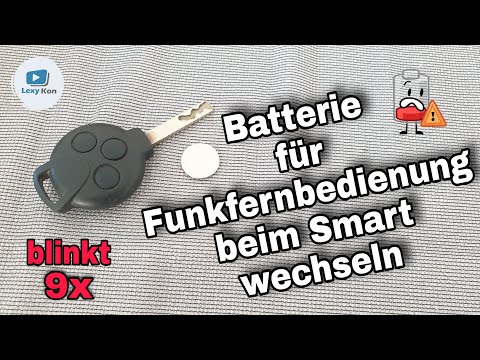
In today's video we see a very simple maintenance operation, or how to replace the battery of the remote control of the second series of the Smart Fo…
Other guides you may be interested in
|
Frequently Asked QuestionsEntering Radio Code for Nissan Qashqai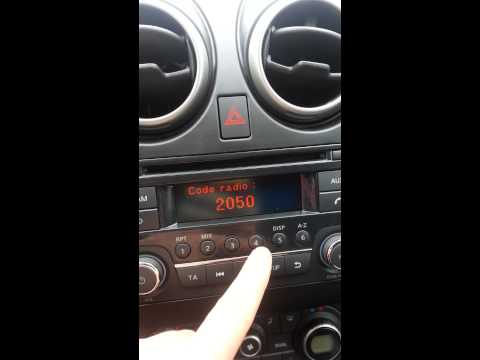
Today, in this very short video tutorial, you will learn how to enter the radio code for a Nissan Qashqai. The radio code can be found in the car's manual, provided by the manufacturer; sometimes it can also be found on the back of the radio. First, get inside the vehicle: when you turn on the radio, it will prompt you to enter the unlock code: input the code as shown in the video. At this point, the radio will unlock, and you can listen to all the music you want! Sometimes the code may not match yours. Check the manual for the correct code. by ScegliAuto More videos
|

|
For advertising on this site Write to info@scegliauto.com
ScegliAuto is not responsible for any inaccuracy of the data in the lists. To report any inaccuracy or your business (if you own the business in question), please write to info@scegliauto.com
Number of seconds to generate the page: 0.062
(c) ScegliAuto 2026 - info@scegliauto.com - Privacy policy VAT number: IT01247470535 |
