
|
Do it yourself
| |||
| ||||


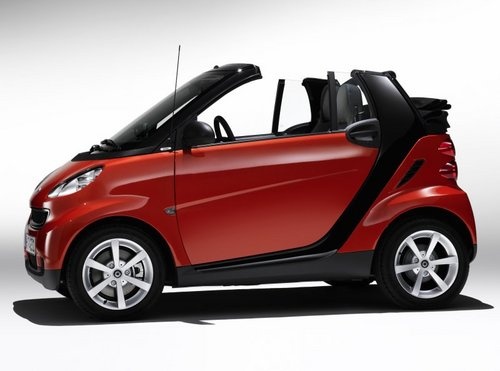
How to Fix a Stuck Gear on a Smart 451
Model: Smart Smart
451
- Years:
2007, 2008, 2009, 2010, 2011, 2012, 2013, 2014, 2015
Video tutorial
In this video, we will see how to resolve the issue of a stuck gear on a Smart 451 (the famous three flashing dashes), where the vehicle remains stuck in neutral. The main cause is a plausibility error between the stop light switch and the brake pressure sensor. Reading the errors with the diagnostic tool, errors related to a flat battery are found, but the real issue is in the ABS. Through diagnostics, the values of the brake pressure sensor and the stop switch are checked; if pressing the brake causes the pressure sensor to rise but the stop switch does not signal "pressed", the ABS control unit does not give consent to engage the gears. The faulty switch is located under the engine bay, rear side. You will need to remove the lower protections and open the inspection door, and replace the faulty switch, then clear the residual errors with the diagnostic tool.
Posted on 31 March 2026 by ScegliAuto
Related tutorials
Smart
(2007-2015 /
451)
It is important to note that until the tyres of the Smart 451 are inflated to the correct pressure, the warning light on the dashboard will not turn …
Smart
(2007-2015 /
451)
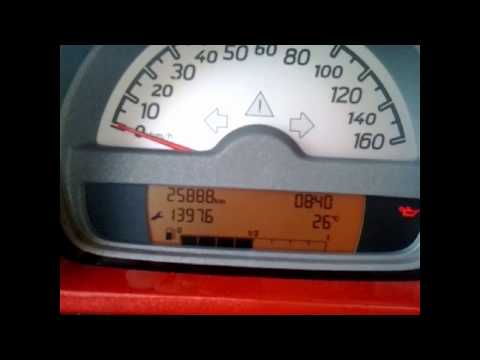
When the letter N flashes on the display of the Smart 451's instrument panel, it means there is a fault with the gearbox. To temporarily resolve this…
Smart
(2007-2015 /
451)
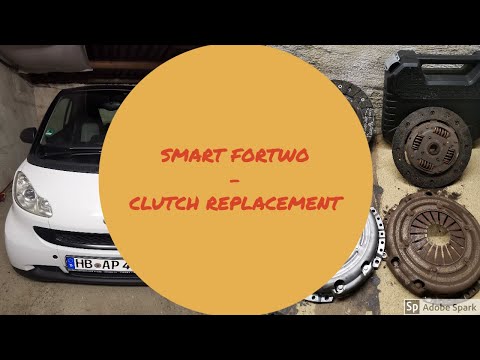
In today's tutorial video, you will see the main steps to remove and replace the clutch on a Smart Fortwo 451 1.0 MHD. To access the clutch, first re…
Other guides you may be interested in
|
How to Set the Time in an Audi A4?
In this tutorial, you will see how to set the time in an Audi A4, a very simple and quick operation to perform after replacing the battery or when the time changes. First, insert the key and turn on the instrument cluster. Then, press the "SETUP" button located on the center console. Next, press the upper left arrow button, navigate to the "Time" option, and use the central knob to adjust the clock. Finally, set any necessary formats and save by returning to the main screen. by ScegliAuto More videos
|
|
For advertising on this site Write to info@scegliauto.com
ScegliAuto is not responsible for any inaccuracy of the data in the lists. To report any inaccuracy or your business (if you own the business in question), please write to info@scegliauto.com
Number of seconds to generate the page: 0.069
(c) ScegliAuto 2026 - info@scegliauto.com - Privacy policy VAT number: IT01247470535 |
