
|
Do it yourself
| |||
| ||||


Change the tablets of the Smart Fortwo
Model: Smart Smart
451
- Years 2007-2015
We replace the worn front disc brake pads of the Smart Fortwo. We remove the front wheel, unscrew the brake caliper locking pin, remove the same from the wheel support. Using a screwdriver, we remove the pads to be replaced from the wheel hub caliper, remove the brake caliper above the caliper which we will then connect to the disc. We are going to mount the new pads on the caliper itself, we mount the brake caliper with the support on the brake disc. We tighten all the pins and mount the wheel and tighten the pins. We replace the other Smart Fortwo calipers if they are worn out.
Posted on 13 August 2020 by ScegliAuto
Video tutorial
Related tutorials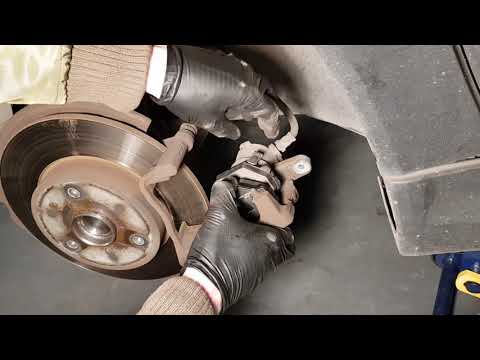
Smart
(2007-2015 /
451)
Replacing damaged pads on a Smart Fortwo? Let's see how they disassemble. We raise the car on a column point up to the desired height, immediately af…
Smart
(2007-2015 /
451)
Worn brake pads? Let's see how they disassemble on a Smart Fortwo. We raise the car on a column point to the desired height: we remove the circle wit…
Smart
(2007-2015 /
451)
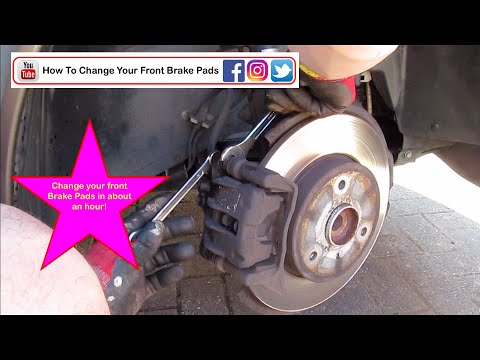
Remove the front disc brake pads if worn on a Smart Fortwo. Let's see how they disassemble from the disc brake. We position the vehicle on a column b…
Other guides you may be interested in
|
How to Reset the Oil Service on a Ford Focus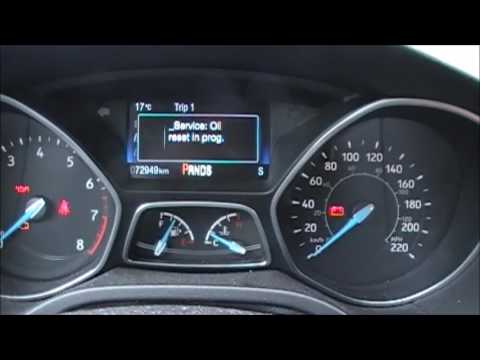
In this video, learn how to reset the oil service maintenance indicator on a Ford Focus. This operation is very simple: enter the vehicle, turn on the instrument panel, and press the button located near the steering wheel for a few seconds, a drop-down menu will appear, scroll until you find the oil reset option. Confirm the reset with the OK button (a message will appear indicating the reset was successful). Check on the instrument panel how many miles until the next oil change service. Always remember to make changes to the onboard computer with the vehicle stationary and turned off. by ScegliAuto More videos
|

|
For advertising on this site Write to info@scegliauto.com
ScegliAuto is not responsible for any inaccuracy of the data in the lists. To report any inaccuracy or your business (if you own the business in question), please write to info@scegliauto.com
Number of seconds to generate the page: 0.069
(c) ScegliAuto 2026 - info@scegliauto.com - Privacy policy VAT number: IT01247470535 |
