
|
Do it yourself
| |||
| ||||



How to Replace Brakes on Smart Fortwo
Model: Smart Smart
451
- Years:
2007, 2008, 2009, 2010, 2011, 2012, 2013, 2014, 2015
Video tutorial
Worn brake pads? Here’s how to remove them on a Smart Fortwo. Lift the car on a column jack to the desired height: remove the wheel with the respective bolts. Unscrew the locking pin of the brake caliper, and remove it from the wheel support. Use a screwdriver to remove the pads from the brake caliper. Fit the new pads onto the brake caliper. Refit the brake caliper over the brake disc (tighten all bolts and refit the wheel). Replace the other worn pads on the Smart Fortwo. Replace the brake disc if damaged (worn).
Updated on 19 March 2026 by ScegliAuto
Related tutorials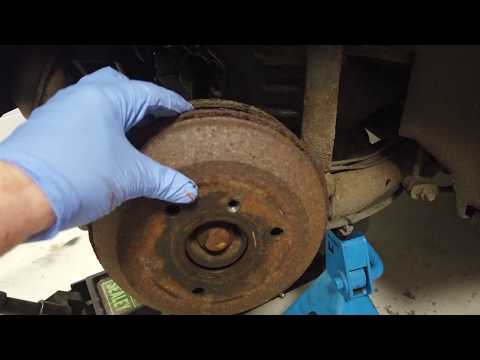
Smart
(1998-2007 /
450)
This guide outlines the main steps to remove and replace the rear brake pump or master cylinder on the Smart Fortwo 450, first series. First, lift th…
Smart
(2007-2015 /
451)
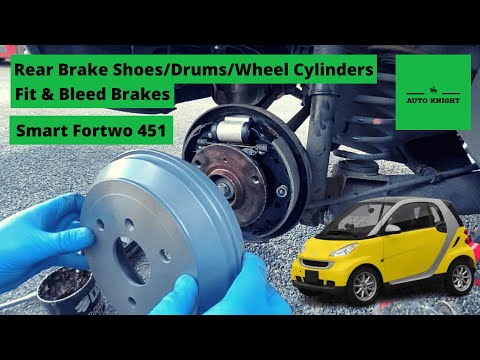
In this tutorial, you will learn how to replace the rear brake shoes on a Smart ForTwo, a task that requires a good level of manual skill. First, lif…

Smart
(2014-2022 /
453)
In this video tutorial, you will learn how to remove and replace the rear brake shoe cylinder of the Smart Fortwo. First, lift the vehicle and start …
Other guides you may be interested in
|
How to Set the Time in an Audi A4?
In this tutorial, you will see how to set the time in an Audi A4, a very simple and quick operation to perform after replacing the battery or when the time changes. First, insert the key and turn on the instrument cluster. Then, press the "SETUP" button located on the center console. Next, press the upper left arrow button, navigate to the "Time" option, and use the central knob to adjust the clock. Finally, set any necessary formats and save by returning to the main screen. by ScegliAuto More videos
|
|
For advertising on this site Write to info@scegliauto.com
ScegliAuto is not responsible for any inaccuracy of the data in the lists. To report any inaccuracy or your business (if you own the business in question), please write to info@scegliauto.com
Number of seconds to generate the page: 0.033
(c) ScegliAuto 2026 - info@scegliauto.com - Privacy policy VAT number: IT01247470535 |
