
|
Do it yourself
| |||
| ||||



How to Replace the Brake Pads in the Smart 451
Model: Smart Smart
451
- Years:
2007, 2008, 2009, 2010, 2011, 2012, 2013, 2014, 2015
Video tutorial
In today's video, learn how to replace the brake pads in the second series Smart. First, it is recommended to lift the vehicle on a ramp or jack; before doing this, loosen the wheel bolts where you will be working. Once done, raise the car and proceed to completely remove the wheel. Next, work on the brake pads, removing the worn components, then replace them with new units. Once this is done and everything is verified to be okay, complete your current job by refitting the wheels and tightening the retaining bolts.
Updated on 27 June 2026 by ScegliAuto
Related tutorials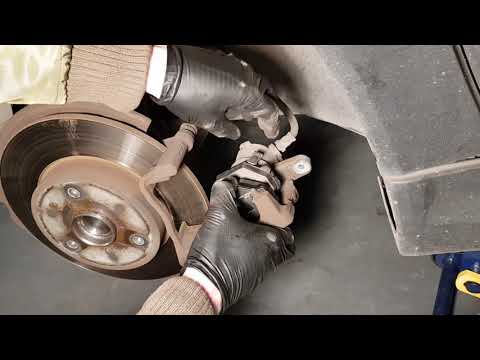
Smart
(2007-2015 /
451)
Replacing damaged brake pads on a Smart Fortwo? Here’s how to remove them. Lift the car on a column lift to the desired height, then remove the wheel…
Smart
(2007-2015 /
451)
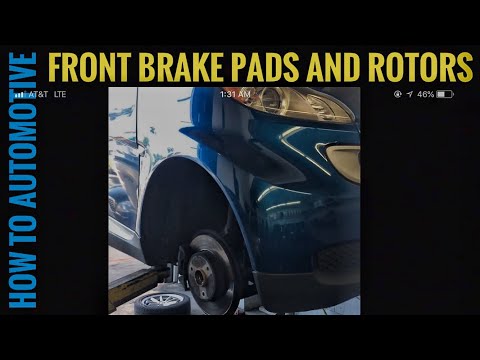
Worn brake pads? Here’s how to remove them on a Smart Fortwo. Lift the car on a column jack to the desired height: remove the wheel with the respecti…
Smart
(2007-2015 /
451)
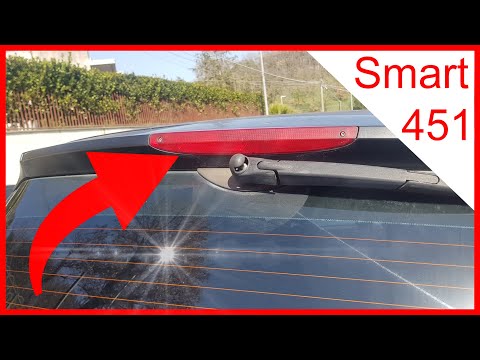
Before you can start, exit the cabin of your Smart ForTwo 451 and head to the rear of the car. Begin by unscrewing and removing the screws securing t…
Other guides you may be interested in
|
Where are the fuses located on the Renault Laguna?
On the Renault Laguna, the fuses are located inside the fuse boxes installed in the vehicle: in this car model, you will find two boxes for containing the fuses. The first is in the fuse box on the left side of the dashboard, accessible by opening the driver's door: here you will find the fuses for the windscreen wipers, fog lights, horn, etc. The second box is located on the right side of the engine compartment: here you will find the fuses for the dipped headlights, radiator fan, alternator, etc. by ScegliAuto More videos
|
|
For advertising on this site Write to info@scegliauto.com
ScegliAuto is not responsible for any inaccuracy of the data in the lists. To report any inaccuracy or your business (if you own the business in question), please write to info@scegliauto.com
Number of seconds to generate the page: 0.040
(c) ScegliAuto 2026 - info@scegliauto.com - Privacy policy VAT number: IT01247470535 |
