
|
Do it yourself
| |||
| ||||


Replacing Lock on Smart 450
Model: Smart Smart
450
- Years:
1998, 1999, 2000, 2001, 2002, 2003, 2004, 2005, 2006, 2007
This video is currently unavailable
The video covers the replacement of the left front lock on a Smart Fortwo (W450) produced from 1998 to 2007. Tools needed: cross screwdriver, pliers, small plastic lever. There are three cross screws on the door panel; remove them. At this point, simply use the plastic lever to remove the handle. Now, disassemble the complete lock with the cable. Insert the complete handle into the door, performing the previous steps in reverse order, paying particular attention to repositioning the plastic cover, which may have become brittle over the years. After reassembly, repeatedly test the correct functioning of the system by manually opening the door several times and, if necessary, repeat the test with the remote locking.
Updated on 20 March 2026 by ScegliAuto
Related tutorials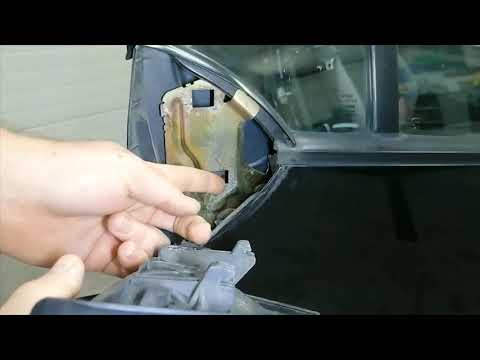
Smart
(1998-2007 /
450)
To remove the lock actuator of the Smart 450, remove the internal cover near the external mirror to loosen the underlying screws. This will allow you…
Smart
(1998-2007 /
450)
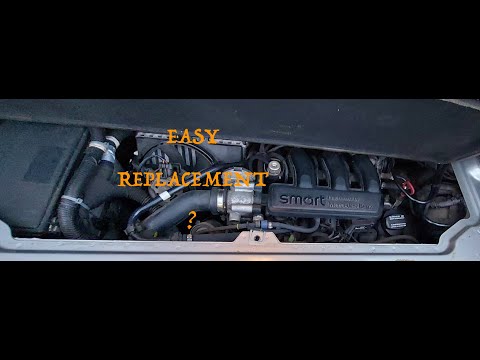
If you want to avoid overheating or loss of power in your Smart 450, you must periodically replace the air filter. Below, we will discover how to per…

Smart
(1998-2007 /
450)
To locate the OBD port inside the cabin of your Smart Fortwo 450, you only need a few seconds. Follow the steps below in the order described. First, …
Other guides you may be interested in |
How to Reset the Tyre Pressure Warning Light on the Jeep Renegade?
To reset the tyre pressure warning light on the Jeep Renegade, inflate the tyres until they reach the recommended pressure: this value is indicated on the sticker attached to the driver’s door pillar. Once the tyres are properly inflated, navigate through the menu that appears on the instrument cluster until you find the tyre pressure option. At this point, press and hold the OK button on the right side of the steering wheel to make the warning light disappear. by ScegliAuto More videos
|
|
For advertising on this site Write to info@scegliauto.com
ScegliAuto is not responsible for any inaccuracy of the data in the lists. To report any inaccuracy or your business (if you own the business in question), please write to info@scegliauto.com
Number of seconds to generate the page: 0.021
(c) ScegliAuto 2026 - info@scegliauto.com - Privacy policy VAT number: IT01247470535 |
