
|
Do it yourself
| |||
| ||||


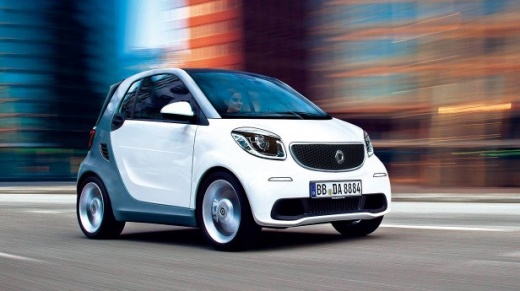
Replacing Number Plate Lights on a 2016 Smart Car
Model: Smart Smart
453
- Years:
2014, 2015, 2016, 2017, 2018, 2019, 2020, 2021, 2022
Video tutorial
Using a small flat screwdriver or a plastic wedge (not metal!), remove the three housings containing the number plate light bulb, as shown in the video. Pop the small LED bulb out of its housing and insert the new one. If you want to replace the entire housing, simply disconnect the connector and attach it to the new housing you purchased, which will already have the bulb installed. The small compartment with the bulb can be reinserted by gently pushing it into place until it clicks. Repeat the process for all three lights.
Updated on 1 April 2026 by ScegliAuto
Related tutorials
Smart
(2007-2015 /
451)
In this video, you will learn how to replace the number plate lights on the Smart Fortwo. First, extract the cover of the light: to do this, use some…
Smart
(1998-2007 /
450)
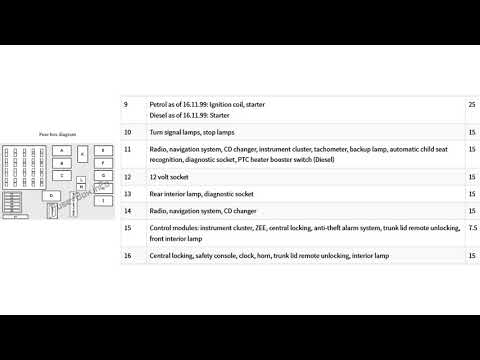
The vehicle in question is equipped with two fuse boxes. The first is located under the dashboard on the left side of the steering wheel, near the dr…

Smart
(2014-2022 /
453)
Below are the instructions for removing and replacing the number plate lights on the Smart Fortwo. First, move to the rear and start by removing the …
Other guides you may be interested in |
How to replace the battery in the key of the Opel Corsa F
To independently replace the battery inside the key of your Opel Corsa F, you only need a few minutes. All you have to do is carefully read the following guide and apply the described steps. First, ensure you have a small flat screwdriver and, of course, a new compatible button battery for your Opel Corsa F key. At this point, use the flat screwdriver to remove the rear cover of the key and take out the old battery. Finally, insert the new battery and close the cover. by ScegliAuto More videos
|
|
For advertising on this site Write to info@scegliauto.com
ScegliAuto is not responsible for any inaccuracy of the data in the lists. To report any inaccuracy or your business (if you own the business in question), please write to info@scegliauto.com
Number of seconds to generate the page: 0.015
(c) ScegliAuto 2026 - info@scegliauto.com - Privacy policy VAT number: IT01247470535 |
