
|
Do it yourself
| |||
| ||||


Replace Front Brake Pads and Disc on Smart Fortwo
Model: Smart Smart
451
- Years 2007-2015
What to do if you want to replace the front brake disc on a Smart? Let's look at removing the disc along with the pads. After removing the rear wheel, undo the pins of the brake caliper to detach it from the bracket: disconnect the brake pads. Remove the caliper bracket and unscrew the pins on the brake disc (Torx screwdriver), then pull the disc towards you to slide it off the wheel hub. Fit the new brake disc with all the associated pins, tighten the caliper bracket to the disc and the pads, then refit the brake caliper. Test the brake operation with the dedicated pedal.
Updated on 4 April 2026 by ScegliAuto
Video tutorial
Related tutorials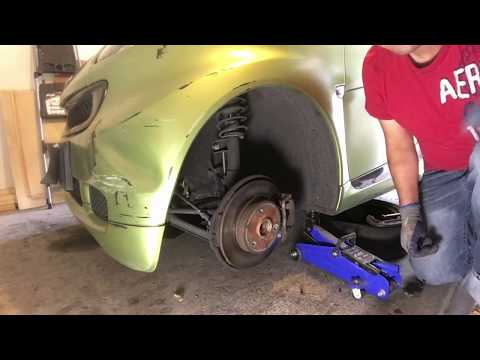
Smart
(2007-2015 /
451)
Replace the worn front brake pads on the Smart Fortwo. Remove the front wheel, unscrew the caliper locking bolt, and remove the caliper from the whee…
Smart
(2007-2015 /
451)
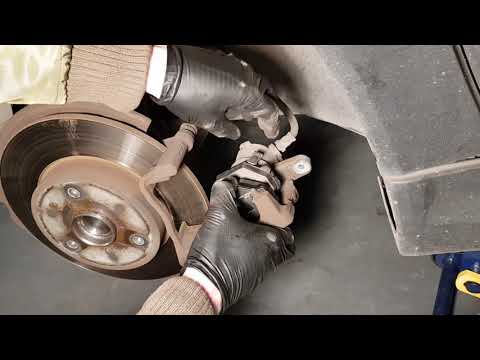
Replacing damaged brake pads on a Smart Fortwo? Here’s how to remove them. Lift the car on a column lift to the desired height, then remove the wheel…
Smart
(2007-2015 /
451)
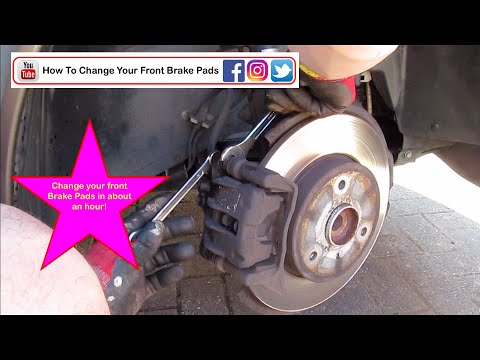
Remove the front disc brake pads when worn on a Smart Fortwo. See how to remove them from the disc brake. Position the vehicle on a column lift and r…
Other guides you may be interested in
|
How to Reset the Central Locking of the Volkswagen Golf 4?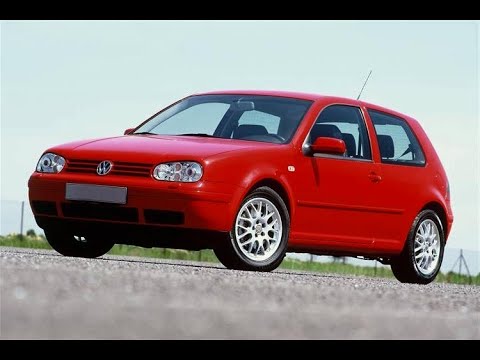
If the central locking system of the Volkswagen Golf 4 is not working, it is likely necessary to reset the system: to do this, open the driver's door and detach the side panel of the dashboard next to the steering wheel. Under this panel, you will find the fuses, including the one for the central locking, which is indicated in the manual as number 14. To reset the system, remove this fuse from its housing, then reinsert it or replace it with a new one of the same amperage: this will reset the central locking system. by ScegliAuto More videos
|

|
For advertising on this site Write to info@scegliauto.com
ScegliAuto is not responsible for any inaccuracy of the data in the lists. To report any inaccuracy or your business (if you own the business in question), please write to info@scegliauto.com
Number of seconds to generate the page: 0.097
(c) ScegliAuto 2026 - info@scegliauto.com - Privacy policy VAT number: IT01247470535 |
