
|
Do it yourself
| |||
| ||||


How do you reset the Smart Oil Service light?
Model: Smart Smart
451
- Years 2007-2015
To reset the Smart Oil Service warning light, you need to turn on the instrument panel and press the button on the left of the instrument panel twice in a row, quickly. Next, you have to turn off the car and press and hold the same button. Then you will have to start the car again and hold the button down for a few seconds. The number indicating the remaining km at the next oil change will become 15000 km: at this point the reset of the Oil Service warning light will be completed. The warning light must always be reset after replacing the oil.
Posted on 9 September 2021 by ScegliAuto
Video tutorial
Related tutorials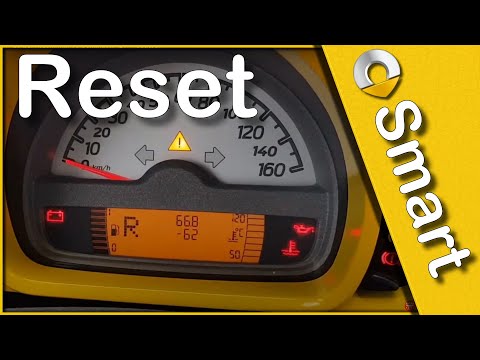
Smart
(2007-2015 /
451)
Let's find out in this short and simple guide how to reset the oil change maintenance service light of the Smart Fortwo, thus resetting the warning l…
Smart
(2014-2021 /
)
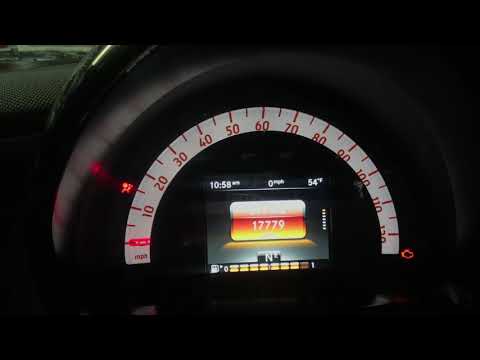
In this guide we see the instructions necessary to reset the service light of the routine maintenance of the Smart Fortwo oil change. First of all, w…

Smart
(2007-2015 /
451)
How to reset the oil warning light on the Smart 451? As the youtuber shows us, first you have to really change it, both the oil and the filter. Then …
Other guides you may be interested in
|
How to Replace the Fuel Filter on Opel Astra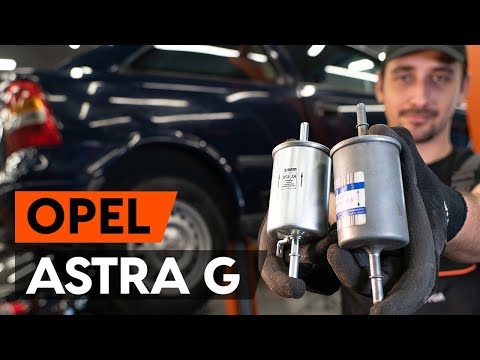
How do you replace the fuel filter on Opel Astra? Let's see the replacement: lift the car with a column lift (jack) and secure it. Remove the locking plate of the filter using a socket spanner (undo the securing bolts next to the plate) where it is located and disconnect the wires and various hoses from the filter. Extract the diesel filter and replace it with a new one. Finally, reassemble the diesel filter housing (connect the hoses and wires) and tighten the bolts to the metal plate (as shown in the video). Lower the car after the replacement. by ScegliAuto More videos
|

|
For advertising on this site Write to info@scegliauto.com
ScegliAuto is not responsible for any inaccuracy of the data in the lists. To report any inaccuracy or your business (if you own the business in question), please write to info@scegliauto.com
Number of seconds to generate the page: 0.175
(c) ScegliAuto 2026 - info@scegliauto.com - Privacy policy VAT number: IT01247470535 |
