
|
Do it yourself
| |||
| ||||


How to replace the Smart 450 radio antenna
Model: Smart Smart
450
- Years 1998-2007
If you notice reception problems with your stock radio, you will most likely need to replace the antenna. Fortunately this is a very simple operation to be carried out even in total autonomy. It will be enough for you to put into practice the following indications. First park the car on a level surface and turn it off completely. Go to the antenna and unscrew it by rotating it counterclockwise (you can help yourself with pliers or a wrench). Once this is done, take the new antenna and insert it into the hole provided. Rotate it clockwise until it is completely screwed in and that's it.
Posted on 30 March 2022 by ScegliAuto
Video tutorial
Related tutorials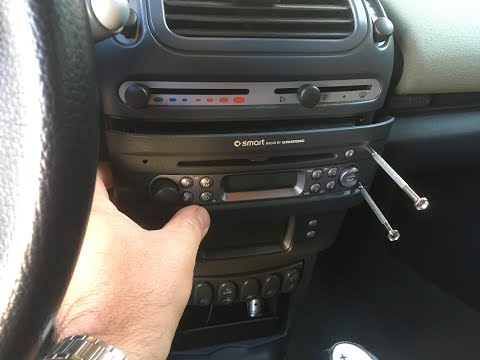
Smart
(1998-2007 /
450)
Remove the car stereo from the Smart Fortwo? We disassemble the car radio and assemble a new one. We use the original or aftermarket metal keys to di…
Smart
(1998-2007 /
450)
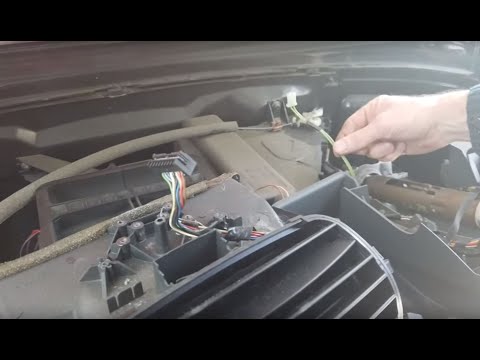
Tutorial on how to remove the central dashboard of Smart 450. Remove the radio by simply pulling it. In case you need it, help yourself with a plasti…
Smart
(1998-2007 /
450)
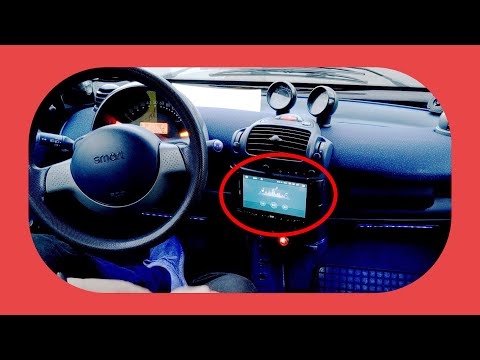
In today's video we see how to install a two din car radio in the first series of Smarts, or the 450. This operation will allow you to modernize your…
Other guides you may be interested in
|
How to Replace the Rear Light and Bulbs on a Ford Focus Year 2000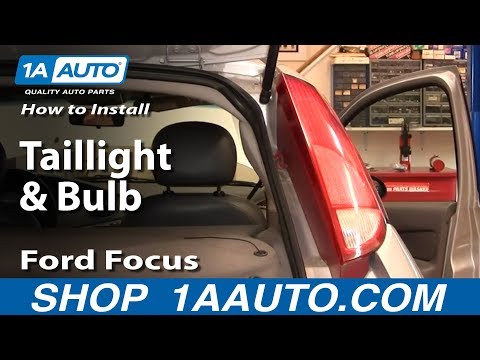
To replace the rear light and bulbs on a Ford Focus 2000/2004, first, open the tailgate of the boot. This gives access to the screw that holds the rear light in place. The screw to undo (using an appropriate screwdriver) is located inside the light and corresponds to the fold that accommodates the tailgate (as shown in the images). Once you start to undo it, continue with the operation and then remove the nut from the inside of the bodywork. At this point, you can remove the light, being careful to disconnect the electrical supply by unplugging the connectors or removing the entire bulb holder from its housing. This way, you can replace the bulbs. To reassemble everything, simply follow the described operations in reverse order. by ScegliAuto More videos
|
|
For advertising on this site Write to info@scegliauto.com
ScegliAuto is not responsible for any inaccuracy of the data in the lists. To report any inaccuracy or your business (if you own the business in question), please write to info@scegliauto.com
Number of seconds to generate the page: 0.080
(c) ScegliAuto 2026 - info@scegliauto.com - Privacy policy VAT number: IT01247470535 |
