
|
Do it yourself
| |||
| ||||


How to reset the service light of the Smart Forfour
Model: Smart Smart
451
- Years 2007-2015
If you want to postpone the service on your 2014 Smart Forfour and eliminate the warning light from the dashboard, then you just have to read the following mini guide carefully and put the instructions described into practice. First make sure the car is completely off. Then insert the key and turn on the instrument panel. At this point, use the directional arrows located on the left side of the steering wheel and navigate the menu until you find the item relating to vehicle maintenance. Press and hold the "OK" button for about 20 seconds and release it to complete the reset.
Posted on 8 April 2022 by ScegliAuto
Video tutorial
Related tutorials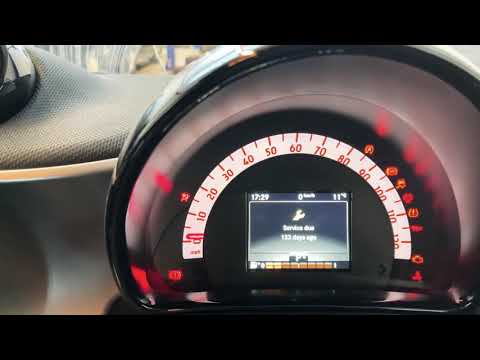
Smart
(2014-2022 /
453)
If you want to quickly and easily reset the maintenance warning light on your Smart Forfour, all you have to do is follow the instructions in our new…
Smart
(2004-2006 /
454, Fourfour1)
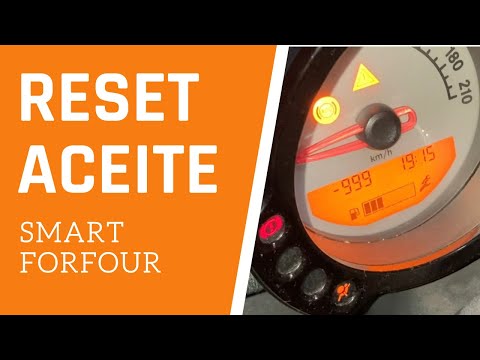
We follow the procedure explained by the author of this video to reset the service light on a Smart Forfour, specifically the model produced between …
Smart
(2014-2021 /
)
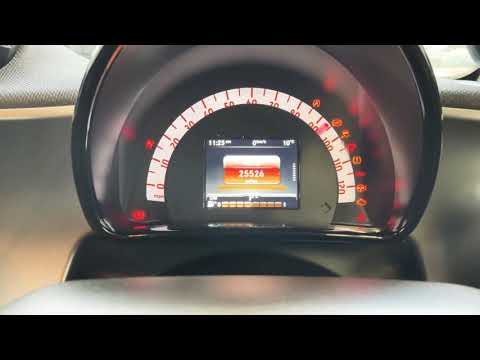
The first step to reset the service light on a 2015 Smart ForFour is to turn on the instrument panel. We use the control panel located on the left si…
Other guides you may be interested in
|
How to Replace the Air Filter on a Citroen C4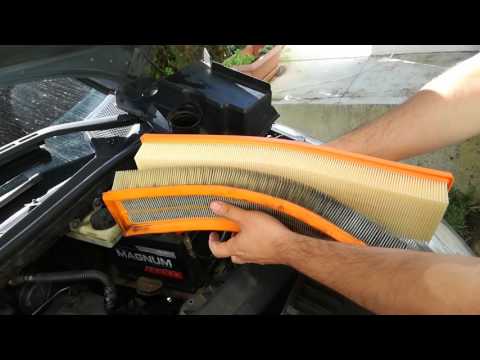
How do you replace the engine air filter on a Citroen C4? Watch this video to see how to proceed. Open the car door, pull up the engine compartment release lever located at the bottom left of the dashboard, and lift the front bonnet, securing it. Using a screwdriver, unscrew the air kit, disconnect the engine air intake hose and the metal clamp pin. Remove the air filter box from the vehicle body, then extract the worn air filter and insert a new one, ensuring it fits snugly against the walls of the box. Finally, reattach the air box panel and tighten the screws. Close the front bonnet last. by ScegliAuto More videos
|

|
For advertising on this site Write to info@scegliauto.com
ScegliAuto is not responsible for any inaccuracy of the data in the lists. To report any inaccuracy or your business (if you own the business in question), please write to info@scegliauto.com
Number of seconds to generate the page: 0.138
(c) ScegliAuto 2026 - info@scegliauto.com - Privacy policy VAT number: IT01247470535 |
