
|
Do it yourself
| |||
| ||||



How to Remove the Rear Bumper from a Smart 451
Model: Smart Smart
451
- Years:
2007, 2008, 2009, 2010, 2011, 2012, 2013, 2014, 2015
Video tutorial
If you need to remove the rear bumper from the first series Smart, start by unscrewing the fastening pins for the rear bumper. There are two on the sides, three at the top centre, and two at the bottom. Next, unscrew the fixing screws of the two small wheel arches. After this, you can remove the clips that hold the various components of the bumper together. Ensure to remove the clips so you can reuse them when replacing broken parts of the bumper. Finally, proceed to replace the damaged plastic parts and start reassembling all components.
Updated on 21 May 2026 by ScegliAuto
Related tutorials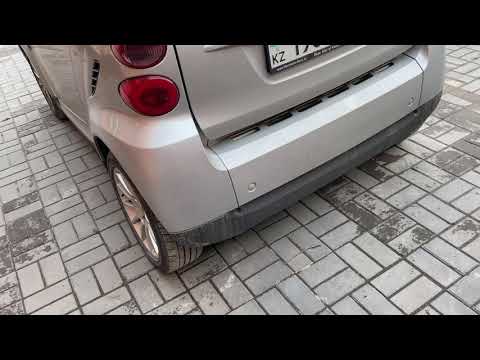
Smart
(2007-2015 /
451)
Before starting, open the rear hatch of the boot on your Smart ForTwo. Start by unscrewing and removing the screws that secure the rear bumper to the…
Smart
(2007-2015 /
451)
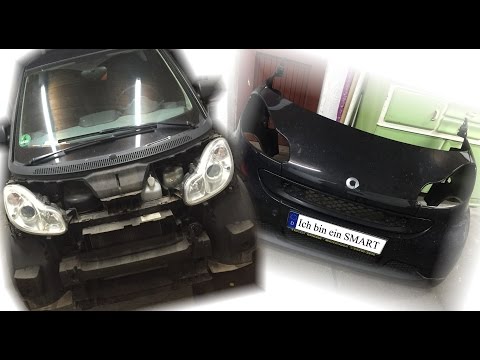
In this guide, we will discover how to remove and replace the front bumper or panel of the Smart Fortwo 451 by following these simple steps. First, s…
Smart
(2007-2015 /
451)
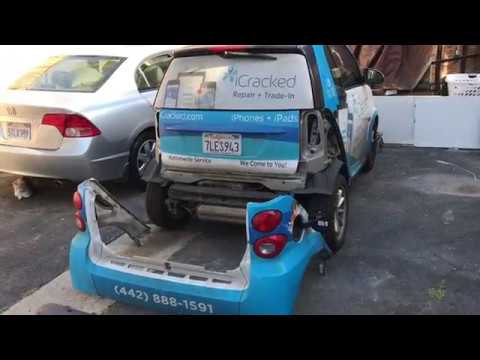
In this tutorial, you will see how to remove and then replace the rear bumper on a Smart ForTwo 451, a very simple and quick operation. You will need…
Other guides you may be interested in
|
How to replace the battery in the key of the Opel Corsa F
To independently replace the battery inside the key of your Opel Corsa F, you only need a few minutes. All you have to do is carefully read the following guide and apply the described steps. First, ensure you have a small flat screwdriver and, of course, a new compatible button battery for your Opel Corsa F key. At this point, use the flat screwdriver to remove the rear cover of the key and take out the old battery. Finally, insert the new battery and close the cover. by ScegliAuto More videos
|
|
For advertising on this site Write to info@scegliauto.com
ScegliAuto is not responsible for any inaccuracy of the data in the lists. To report any inaccuracy or your business (if you own the business in question), please write to info@scegliauto.com
Number of seconds to generate the page: 0.019
(c) ScegliAuto 2026 - info@scegliauto.com - Privacy policy VAT number: IT01247470535 |
