
|
Do it yourself
| |||
| ||||



How to Reset the Service Light on a Smart Fortwo
Model: Smart Smart
451
- Years:
2007, 2008, 2009, 2010, 2011, 2012, 2013, 2014, 2015
Video tutorial
In this video, the steps to reset the maintenance light on a Smart Fortwo are shown. First, get into the vehicle and insert the key into the ignition, turning it to the first position to power up the instrument cluster without starting the engine. Next, use the button on the left side of the display; press the button twice and select the maintenance interval indicator. Turn off the ignition and press and hold the button on the display while simultaneously turning the ignition back on; at this point, the maintenance light will flash. Keep the button pressed for at least 10 seconds, then release it. The operation will be complete.
Updated on 5 June 2026 by ScegliAuto
Related tutorials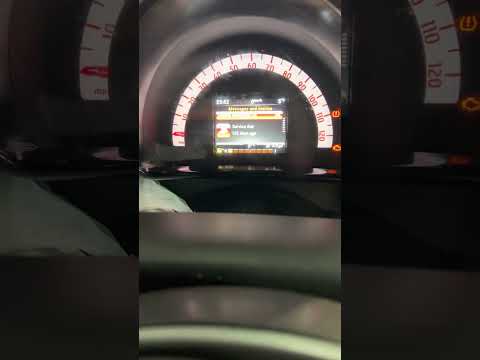
Smart
(2014-2022 /
453)
In this mini guide for all 2015 Smart Fortwo owners, you will discover the steps to manually reset the service light that remains illuminated on the …

Smart
(2014-2021 /
)
To reset the service light on a Smart Fortwo 453 after completing the service, enter the car, close all doors, and turn the key to position 1. Depend…
Smart
(2007-2015 /
451)
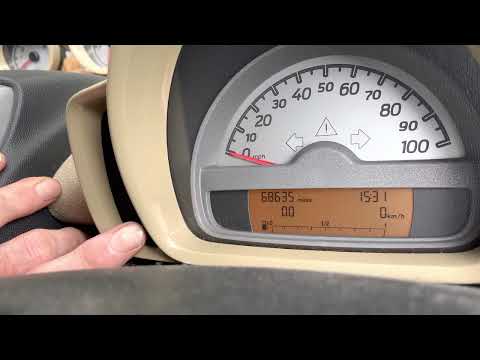
In this guide for your Smart ForTwo 451 (2007-2015), you will find all the necessary instructions to manually reset the service light that appears on…
Other guides you may be interested in
|
Frequently Asked QuestionsHow to replace the battery in the key of the Opel Corsa F
To independently replace the battery inside the key of your Opel Corsa F, you only need a few minutes. All you have to do is carefully read the following guide and apply the described steps. First, ensure you have a small flat screwdriver and, of course, a new compatible button battery for your Opel Corsa F key. At this point, use the flat screwdriver to remove the rear cover of the key and take out the old battery. Finally, insert the new battery and close the cover. by ScegliAuto More videos
|
|
For advertising on this site Write to info@scegliauto.com
ScegliAuto is not responsible for any inaccuracy of the data in the lists. To report any inaccuracy or your business (if you own the business in question), please write to info@scegliauto.com
Number of seconds to generate the page: 0.093
(c) ScegliAuto 2026 - info@scegliauto.com - Privacy policy VAT number: IT01247470535 |
