
|
Do it yourself
| |||
| ||||


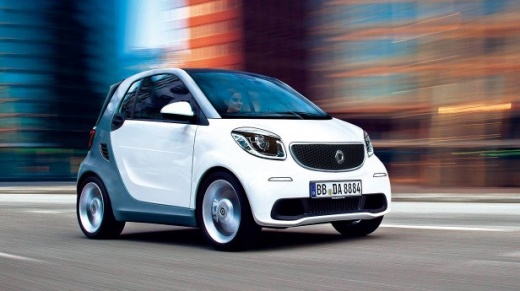
How to Replace the Wiper Blades on a Smart ForTwo?
Model: Smart Smart
453
- Years:
2014, 2015, 2016, 2017, 2018, 2019, 2020, 2021, 2022
Video tutorial
As seen in this tutorial, replacing the wiper blades on a Smart ForTwo is an extremely simple and quick task. First, switch off the vehicle and lift both wipers. Then, insert a flathead screwdriver into the indicated slot, lever it, and release the wiper blade from the pin in the arm. At this point, pull the blade outwards and remove it completely. Once you have repeated the process for the opposite wiper, install the replacements by simply following the reverse procedure.
Updated on 17 June 2026 by ScegliAuto
Related tutorials
Smart
(2014-2022 /
453)
To replace the wiper blades on a Smart ForTwo, start by lifting the wiper arm away from the windscreen. You will find a small clip or tab at the base…
Smart
(2007-2015 /
451)
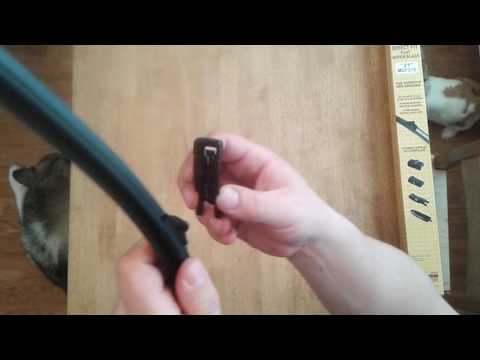
How do you replace the wiper blades on a Smart? Let's see how to remove the blades. Take the front wiper blade (to be replaced) in your hands, gently…
Smart
(2007-2015 /
451)
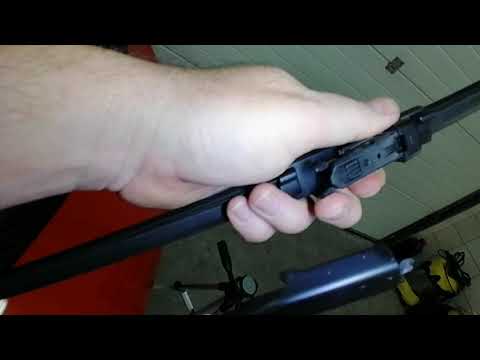
In this short and simple video, learn how to remove and replace the wiper blades on the Smart Fortwo 451, as well as the 453. First, move to the fron…
Other guides you may be interested in |
How to Reset the Tyre Pressure Warning Light on the Jeep Renegade?
To reset the tyre pressure warning light on the Jeep Renegade, inflate the tyres until they reach the recommended pressure: this value is indicated on the sticker attached to the driver’s door pillar. Once the tyres are properly inflated, navigate through the menu that appears on the instrument cluster until you find the tyre pressure option. At this point, press and hold the OK button on the right side of the steering wheel to make the warning light disappear. by ScegliAuto More videos
|
|
For advertising on this site Write to info@scegliauto.com
ScegliAuto is not responsible for any inaccuracy of the data in the lists. To report any inaccuracy or your business (if you own the business in question), please write to info@scegliauto.com
Number of seconds to generate the page: 0.023
(c) ScegliAuto 2026 - info@scegliauto.com - Privacy policy VAT number: IT01247470535 |
