
|
Do it yourself
| |||
| ||||


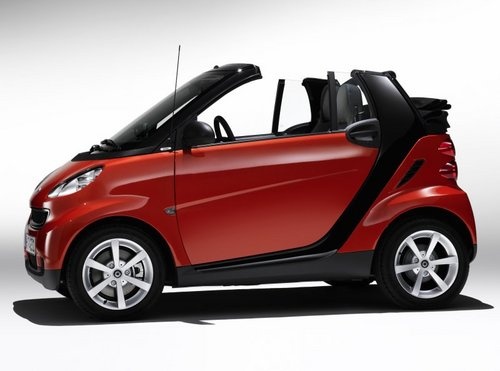
How to Reset the Gearbox on the Smart Fortwo
Model: Smart Smart
451
- Years:
2007, 2008, 2009, 2010, 2011, 2012, 2013, 2014, 2015
Video tutorial
If the vehicle is stuck and you cannot change gears, follow the procedure below to unlock it: first, ensure there is power from the battery, turn on the ignition without starting the engine, and set the gear selector to position N. Then, press the brake pedal and hold it down for about 5 seconds. At this point, a sequence of gearbox adjustments and calibrations will begin, and you should hear an electrical noise from the transmission actuators working and adjusting to the neutral position. At the end of the procedure, the letter N will appear on the instrument panel, and you will be able to start the engine normally.
Updated on 1 July 2026 by ScegliAuto
Related tutorials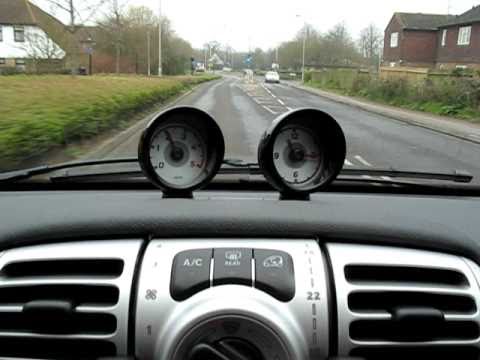
Smart
(2007-2015 /
451)
Today's guide will show you how the automatic gearbox works on the Smart Fortwo, following these simple steps. First, get in the vehicle and start th…
Smart
(2007-2015 /
451)
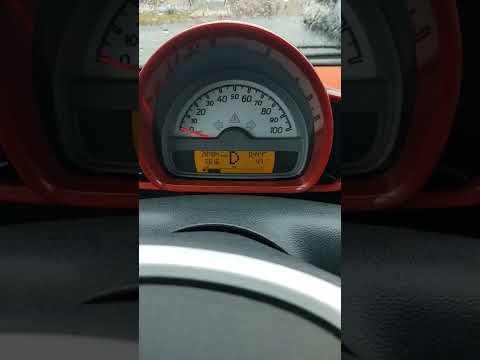
Today's guide will briefly explain how to use the automatic gearbox on the Smart Fortwo, following these simple and quick steps. First, get in the ve…
Smart
(2004-2006 /
Fourfour1, 454)
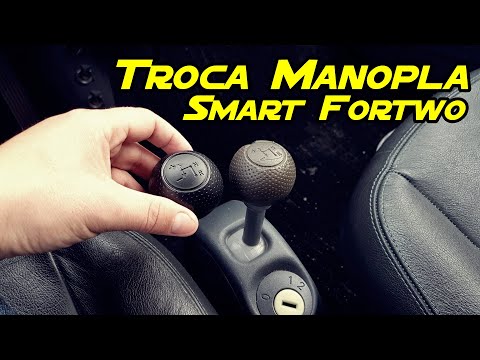
Before you begin, sit in the driver's seat of your Smart ForTwo. To carry out this removal safely, it is strongly recommended to switch off the engin…
Other guides you may be interested in
|
Frequently Asked QuestionsHow to Set the Time on an Audi A6
Briefly, we will see the instructions to set the time on the Audi A6 by following these simple steps. First, get inside the vehicle and turn on the instrument cluster; then press the settings button and navigate to the time option to confirm your choice, as shown in the video. At this point, set the correct time and format, then exit the settings menu to save the changes made; finally, start the engine and ensure that the time has been set correctly! by ScegliAuto More videos
|
For advertising on this site Write to info@scegliauto.com
ScegliAuto is not responsible for any inaccuracy of the data in the lists. To report any inaccuracy or your business (if you own the business in question), please write to info@scegliauto.com
Number of seconds to generate the page: 0.070
(c) ScegliAuto 2026 - info@scegliauto.com - Privacy policy VAT number: IT01247470535 |
