
|
Do it yourself
| |||
| ||||



How the Stereo Works in a Smart
Model: Smart Smart
451
- Years:
2007, 2008, 2009, 2010, 2011, 2012, 2013, 2014, 2015
Video tutorial
Let's look at the function of each button on the Smart's stereo in detail. Starting with something simple: the "On" button is for power. The numbered buttons from 1 to 6 are used for preset stations. To select a station, position yourself on the desired button and hold it down for a few seconds. "SRC" is used to select the audio source. If you press "RND" while in AUX, your audio tracks will change randomly. "Eject" is for ejecting a CD if present. Pressing the "bass/treb" button and then turning the central knob adjusts the bass or treble. Pressing "bal" allows you to adjust the audio to come more from the right or left channel. Pressing "menu" lets you select the type of radio station you are interested in. For example, if you are interested in sports, select it, and it will automatically search for the first station that talks about sports. The forward and backward arrows on the knob are for manually navigating through radio stations. "Seek" automatically finds the next available station. With the "scan" button, the radio will play each station for 5 seconds until you find one you like. Once found, press "scan" again. The "mute" button temporarily silences the radio. The "TA" button will automatically tune the radio to the next station that broadcasts traffic announcements, then return to your station. "AM/FM" is used to switch between frequency modulation and amplitude modulation.
Updated on 4 July 2026 by ScegliAuto
Related tutorials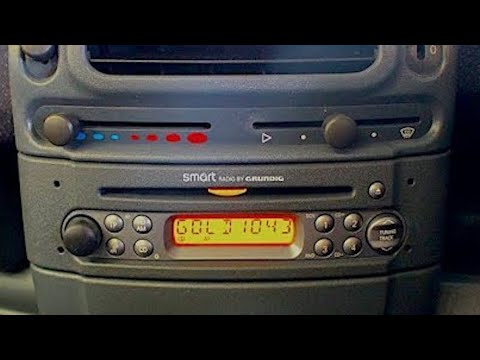
Smart
(1998-2007 /
450)
Removing and installing the stereo on a Smart Fortwo, here’s how to do it. Use the original or aftermarket metal keys to remove the stereo from the D…
Smart
(2014-2022 /
453)
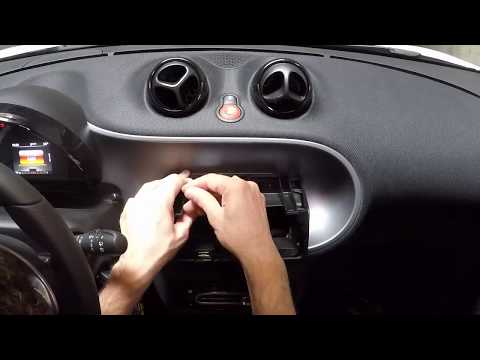
How to remove the original radio on a Smart Fortwo? Follow these steps: turn off the radio, then use levers (plastic or metal) to detach the car ster…
Smart
(2007-2015 /
451)
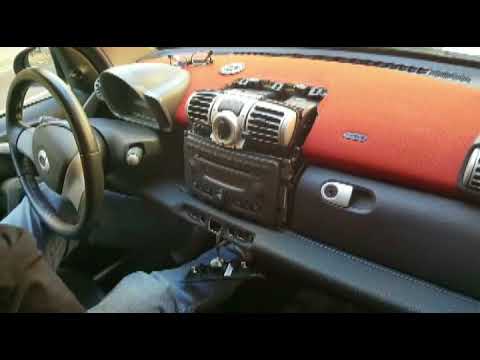
Remove the damaged radio from a Smart Fortwo. Take off the trim around the stereo using a plastic lever (where the air vents are located) and detach …
Other guides you may be interested in |
Frequently Asked QuestionsHow to replace the battery in the key of the Opel Corsa F
To independently replace the battery inside the key of your Opel Corsa F, you only need a few minutes. All you have to do is carefully read the following guide and apply the described steps. First, ensure you have a small flat screwdriver and, of course, a new compatible button battery for your Opel Corsa F key. At this point, use the flat screwdriver to remove the rear cover of the key and take out the old battery. Finally, insert the new battery and close the cover. by ScegliAuto More videos
|
|
For advertising on this site Write to info@scegliauto.com
ScegliAuto is not responsible for any inaccuracy of the data in the lists. To report any inaccuracy or your business (if you own the business in question), please write to info@scegliauto.com
Number of seconds to generate the page: 0.014
(c) ScegliAuto 2026 - info@scegliauto.com - Privacy policy VAT number: IT01247470535 |
