
|
Do it yourself
| |||
| ||||


How to replace the battery in Smart ForTwo?
Model: Smart Smart
451
- Years 2007-2015
In this tutorial we can see how to replace the battery in the Smart ForTwo, a very simple and fast operation. Let's first make sure that the key is not inserted, then go to the passenger side, remove the mat and lift up the instrument panel. Then loosen the nuts of both terminals with a 10mm wrench, disconnect them and unscrew the fixing bracket bolt with a socket wrench. At this point we can grab the battery, remove it from the housing and mount the replacement following exactly the reverse procedure.
Posted on 9 March 2023 by ScegliAuto
Video tutorial
Related tutorials
Smart
(2014-2022 /
453)
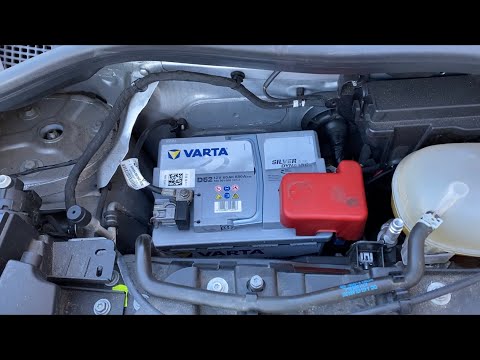
Below we will see the main steps that will allow us to disassemble and replace the battery of the Smart Fortwo. First, we open the front hood of the …
Smart
(2007-2015 /
451)
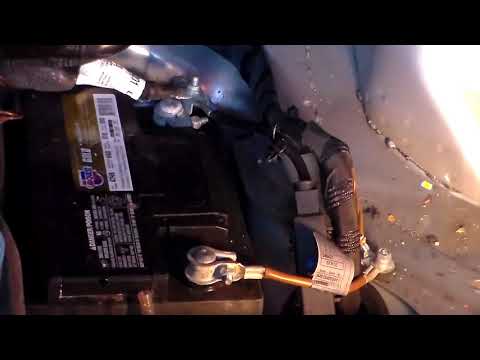
Do we want to remove the battery of the Smart Fortwo? Let's see the disassembly of the damaged battery. We find the Smart battery in the passenger co…
Smart
(2014-2022 /
453)
We will see below the step-by-step instructions which will allow us to disassemble and replace the battery of the Smart Fortwo. First of all, we open…
Other guides you may be interested in
|
How to Remove the Engine Oil Filter of the Peugeot 308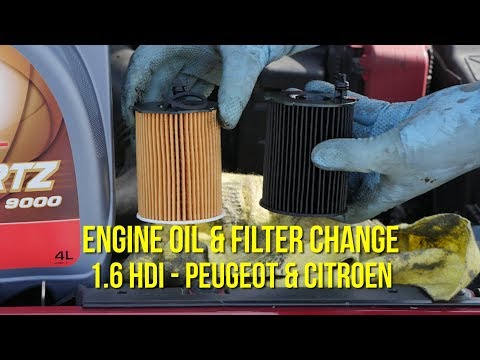
How do you remove the engine oil filter of the Peugeot 308? Follow this guide to proceed with the replacement. Open the car door and pull up the engine compartment release lever located at the bottom left of the dashboard, then lift the front bonnet and secure it. Using a socket wrench, unscrew the large securing bolt of the container cap where the oil filter is located (engine compartment under the ventilation pipe). Drain the used oil from under the engine sump. Remove the worn oil filter and position a new one, ensuring it adheres well around the walls of the housing. Finally, refit the ventilation pipe and top up the engine oil. Close the front bonnet last. by ScegliAuto More videos
|

|
For advertising on this site Write to info@scegliauto.com
ScegliAuto is not responsible for any inaccuracy of the data in the lists. To report any inaccuracy or your business (if you own the business in question), please write to info@scegliauto.com
Number of seconds to generate the page: 0.131
(c) ScegliAuto 2026 - info@scegliauto.com - Privacy policy VAT number: IT01247470535 |
