
|
Do it yourself
| |||
| ||||


How do you replace the air conditioning compressor of the Smart 451?
Model: Smart Smart
451
- Years 2007-2015
In order to replace the air conditioning compressor of the Smart 451, you need to loosen the screws that fix the right rear wheel, completely removing it from its housing: after the wheel has been removed, it will be possible to loosen the screws that fix the compressor, which will now be accessible. In addition, by disconnecting the connectors and removing the V-belt from the corresponding pulley, it will be possible to insert a new replacement part; this must then be properly fixed and connected, ensuring that it functions correctly.
Posted on 7 March 2024 by ScegliAuto
Video tutorial
Related tutorials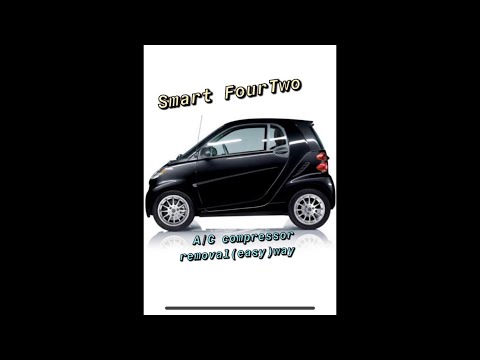
Smart
(2007-2015 /
451)
In order to disassemble the air conditioning compressor of the Smart 451 you have to lift the car, so that you can access the lower part of the engin…
Smart
(2007-2015 /
451)
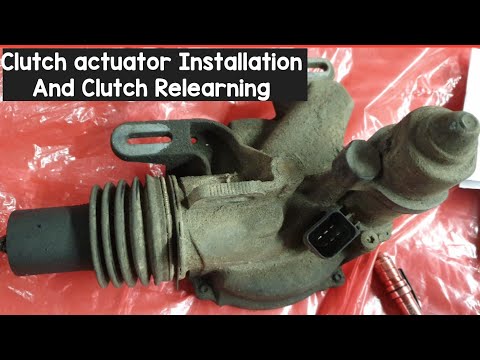
In today's video tutorial we will see how to install the clutch actuator on the Smart Fortwo 451, following the instructions below. First of all we l…

Smart
(2007-2015 /
451)
In today's video we see how to replace the speakers and the car radio in the Smart 451. First we proceed by purchasing the specific components in the…
Other guides you may be interested in
|
How to Top Up the Radiator Fluid on Mercedes Vito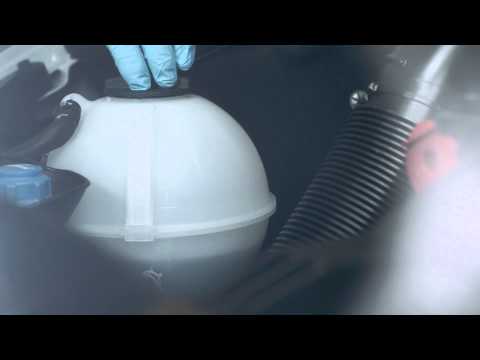
Learn how to top up the fluid in the cooling radiator reservoir on a Mercedes Vito yourself to save on labour costs. First, pull the plastic lever located at the bottom left of the dashboard, lift the bonnet and secure it with the metal prop. Locate the cap for topping up the fluid in the radiator reservoir (unscrew it). Using a funnel, top up with screen wash fluid and close the reservoir cap. Close the engine cover after maintenance. Test the correct functioning of the maintenance performed previously. by ScegliAuto More videos
|

|
For advertising on this site Write to info@scegliauto.com
ScegliAuto is not responsible for any inaccuracy of the data in the lists. To report any inaccuracy or your business (if you own the business in question), please write to info@scegliauto.com
Number of seconds to generate the page: 0.069
(c) ScegliAuto 2026 - info@scegliauto.com - Privacy policy VAT number: IT01247470535 |
