
|
Do it yourself
| |||
| ||||


How to reset the service light on the Smart ForFour?
Model: Smart Forfour
MK 2, W453
- Years 2014-2021
In this tutorial we can see how to reset the service in the Smart ForFour, an extremely simple and quick operation, to be carried out only once all scheduled maintenance work has been completed. We start by going inside the cockpit, then we turn on the instrument panel, it is not necessary to start the engine, and we reach the service screen using the directional arrows on the steering wheel. Once this is done, we hold down the "OK" button for about 10 seconds, or however long it takes for the interval to be reset correctly. Finally, we restart the vehicle.
Posted on 10 May 2024 by ScegliAuto
Video tutorial
Related tutorials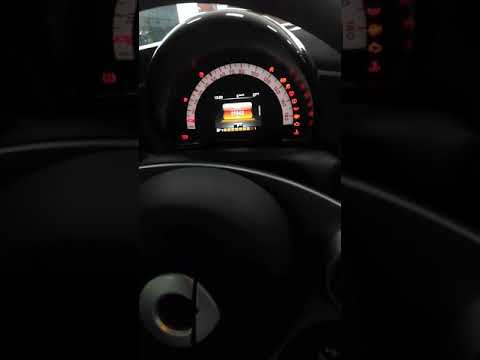
Smart Forfour
(2014-2021 /
MK 2, W453)
To reset the Service light on the Smart Forfour, you need to turn on the instrument panel and then scroll through the menu on the instrument panel us…

Smart Forfour
(2014-2021 /
MK 2, W453)
In this tutorial we can see how to reset the service in the Smart ForFour, an extremely simple and fast operation, to be performed only once all sche…

Smart Forfour
(2014-2021 /
MK 2, W453)
In this tutorial we can see how to reset the service in the Smart ForFour, an extremely simple and quick operation, to be carried out only once all s…
Other guides you may be interested in
|
Reset Engine Light on Fiat 500L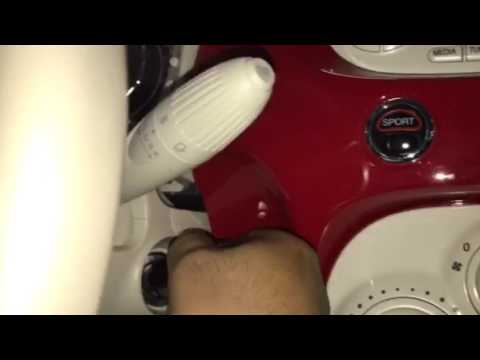
Want to reset the engine light on a Fiat 500L? Turn on the ignition with the key, press the accelerator pedal three times in quick succession (then release the pedal), and turn off the instrument cluster with the key. Turn the instrument cluster back on with the key and wait for it to illuminate (check if the light is present or not). Finally, check the changes made to the car. Always remember to make changes to the onboard computer while the vehicle is stationary and turned off. Use the instrument cluster for all types of car settings. by ScegliAuto More videos
|
|
For advertising on this site Write to info@scegliauto.com
ScegliAuto is not responsible for any inaccuracy of the data in the lists. To report any inaccuracy or your business (if you own the business in question), please write to info@scegliauto.com
Number of seconds to generate the page: 0.067
(c) ScegliAuto 2026 - info@scegliauto.com - Privacy policy VAT number: IT01247470535 |
