
|
Do it yourself
| |||
| ||||


How to reset the service indicator on the Smart ForFour?
Model: Smart Forfour
W453, MK 2
- Years 2014-2021
In this tutorial we can see how to reset the service in the Smart ForFour, an extremely simple and fast operation, to be performed only once all scheduled maintenance work has been completed. Let's start by going inside the cabin, then insert the key and turn on the instrument panel. Next, we reach the service screen using the top button at the end of the right lever, press and hold the "OK" button and keep it in position for about 20 seconds, or however long it takes for the interval to reset correctly.
Posted on 12 August 2024 by ScegliAuto
Video tutorial
Related tutorials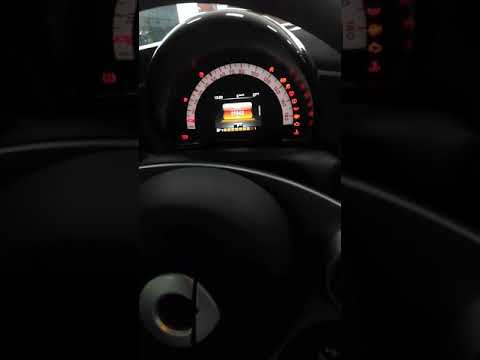
Smart Forfour
(2014-2021 /
W453, MK 2)
To reset the Service light on the Smart Forfour, you need to turn on the instrument panel and then scroll through the menu on the instrument panel us…

Smart Forfour
(2014-2021 /
W453, MK 2)
In this tutorial we can see how to reset the service in the Smart ForFour, an extremely simple and quick operation, to be carried out only once all s…

Smart Forfour
(2004-2006 /
W454, MK 1)
The instructions in this guide will show us how to reset the maintenance reminder (service) of the Smart Forfour. First, we get on board the cabin an…
Other guides you may be interested in
|
How to Install Roof Bars on a Fiat 500X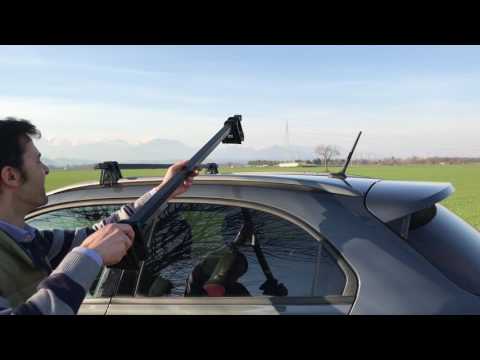
Learn how to equip your car with universal roof bars. Universal roof bars are used on cars with and without roof rails (fixed bars secured to the car roof). Install the roof bar kit as shown in the video with the bars calibrated according to the width of the car. Position the brackets at both ends of the doors on the car's original roof rails. Once the width of the anchoring brackets is adjusted, tighten the bolts with the butterfly nut (if a lock is present) until fully secured to the roof rails. Finally, apply the safety caps on your Fiat. by ScegliAuto More videos
|
|
For advertising on this site Write to info@scegliauto.com
ScegliAuto is not responsible for any inaccuracy of the data in the lists. To report any inaccuracy or your business (if you own the business in question), please write to info@scegliauto.com
Number of seconds to generate the page: 0.101
(c) ScegliAuto 2026 - info@scegliauto.com - Privacy policy VAT number: IT01247470535 |
