
|
Do it yourself
| |||
| ||||


|
Model: Suzuki Address 110
To replace the rear brake shoes of the Suzuki Address 110, you need to loosen the screws that secure the wheel to its housing: you will need to remove the appropriate nut and the central axle of the wheel so that it can be completely detached from its seat. You will now have access to the drum that contains the brake shoes: these must be freed from their housing by loosening the screws that hold them in place, allowing you to insert the new replacement parts. After installation, you can reposition the wheel to ensure that everything works properly.
Posted on 6 December 2025 by ScegliAuto
Video tutorial
Related tutorials
Address 110
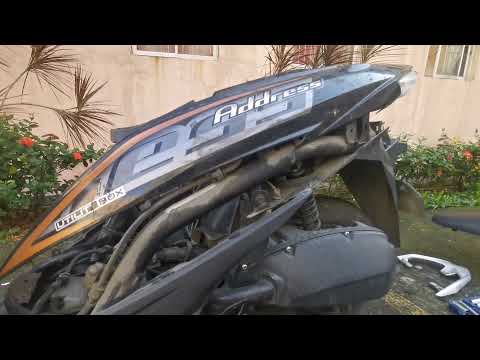
In order to replace the brake pads of the Suzuki Address 110, the same operation must be carried out for both the front wheel and the rear wheel: the…
Address 110
To replace the rear shock absorber on the Suzuki Address 110, open the under-seat compartment to loosen the protective panel at the rear of the compa…

Address 110
The procedure for replacing the transmission on the Suzuki Address 110 requires loosening the screws that secure the transmission cover panel, locate…
|
How to Turn Off the "V-Belt" Warning Light on a Yamaha X-MAX 400 Scooter?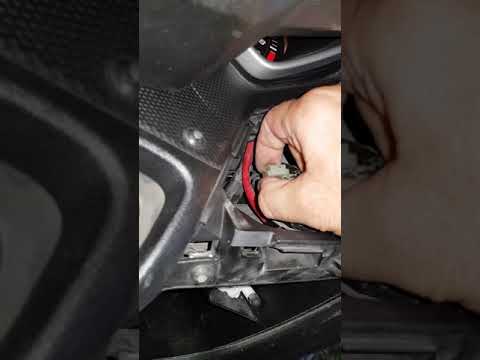
In this tutorial, learn how to turn off the "V-Belt" warning light on the Yamaha X-MAX scooter's instrument panel, a very simple and quick operation. Before doing this, ensure you have completed the required maintenance, specifically replacing the drive belt. Start by inserting the key and turning on the ignition, then open the small right glove compartment and unscrew the screw for the upper cover. Once removed, locate the white connector with a jumper attached, disconnect it, wait about 10 seconds, and reconnect it. If successful, the warning light will disappear. by ScegliAuto More videos
|
|
For advertising on this site Write to info@scegliauto.com
ScegliAuto is not responsible for any inaccuracy of the data in the lists. To report any inaccuracy or your business (if you own the business in question), please write to info@scegliauto.com
Number of seconds to generate the page: 0.006
(c) ScegliAuto 2026 - info@scegliauto.com - Privacy policy VAT number: IT01247470535 |
