
|
Do it yourself
| |||
| ||||


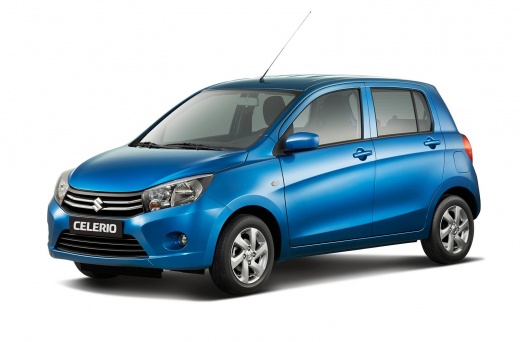
How to Reset the Tyre Pressure Warning Light on the Suzuki Celerio?
Model: Suzuki Celerio
MK 2
- Years:
2014, 2015, 2016, 2017, 2018, 2019, 2020, 2021, 2022, 2023
Video tutorial
To reset the tyre pressure warning light on the Suzuki Celerio, inflate the tyres to the correct pressure: this value is indicated on the sticker attached to the driver's door pillar. Once all the tyres are inflated, enter the cabin and turn on the ignition: the warning light will disappear after a few seconds. If it remains illuminated, start the engine and drive for a few miles to allow the sensors to read the new values.
Updated on 1 October 2026 by ScegliAuto
Related tutorials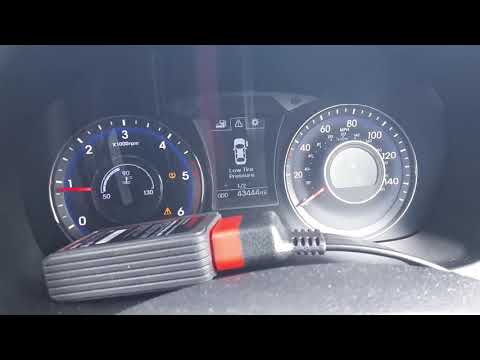
Suzuki Celerio
(2014-2023 /
MK 2)
In this video, we show you how the TPMS monitoring system works on the Suzuki Celerio. To start, ensure you inflate each tyre to the pressure specifi…

Suzuki Celerio
(2014-2023 /
MK 2)
To reset the Service light on a Suzuki Celerio, turn on the ignition and then press and hold the button located at the top right to display the menu.…

Suzuki Celerio
(2014-2023 /
MK 2)
In this new mini guide dedicated to the Suzuki Celerio, we will discover where the fuse box is located. This is a very important operation, especiall…
Other guides you may be interested in |
Frequently Asked QuestionsHow to Open the Bonnet of a Toyota C-HR
To open the bonnet of a Toyota C-HR, get inside the vehicle and lift the lever with the bonnet symbol located under the steering wheel. After lifting the lever, you will notice that the bonnet rises a few centimetres. Position yourself in front of the bonnet, insert your hand into the gap, and move the small internal lever from right to left, then lift the bonnet. You can keep the bonnet open during maintenance by positioning it on the support rod. To close the bonnet, remove the support rod and let it drop back down. by ScegliAuto More videos
|
For advertising on this site Write to info@scegliauto.com
ScegliAuto is not responsible for any inaccuracy of the data in the lists. To report any inaccuracy or your business (if you own the business in question), please write to info@scegliauto.com
Number of seconds to generate the page: 0.033
(c) ScegliAuto 2026 - info@scegliauto.com - Privacy policy VAT number: IT01247470535 |
