
|
Do it yourself
| |||
| ||||


Model: Sym Mio
To replace the switches on the handlebars of the Sym Mio, you need to loosen the screws that secure these components to their housings: these will be located on the sides of the handlebars, right next to the grips. Once the screws have been loosened, you can proceed by disconnecting the switches and unplugging their power cables. At this point, you can connect the new replacement switches to the cables and position them on the sides: then you will need to secure them again with the screws to verify that everything is working.
Posted on 24 January 2025 by ScegliAuto
Video tutorial
Related tutorials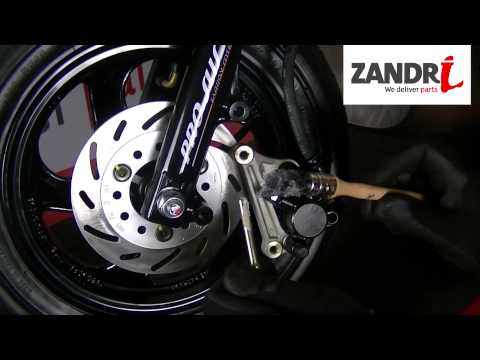
Mio
To replace the front brake pads on the Sym Mio, loosen the bolts securing the brake caliper to the brake disc. Once the bolts are loosened and the pi…
Mio
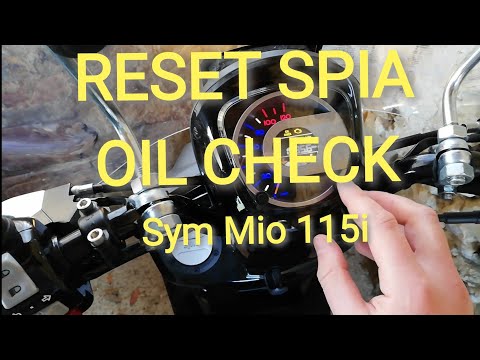
Before you start, sit on the seat of your Sym Mio. Activate the instrument panel by turning the key in the ignition. Then, press the right button on …
Mio
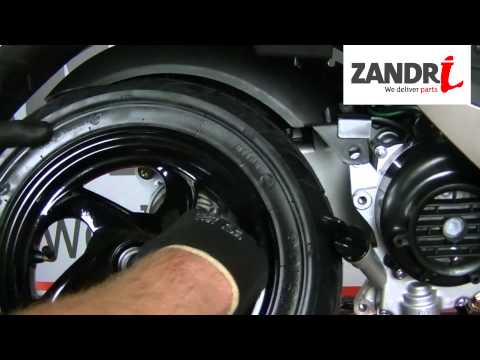
To replace the rear brake shoes on a Sym Mio, loosen the nut securing the rear wheel spindle, along with the bolts securing the wheel arch. Once the …
|
Replacing the Rear Light on a Harley Davidson Street Glide
In today's tutorial video, we will see how to remove and replace the rear light on a Harley Davidson Street Glide in simple and quick steps. First, place your bike on a stand and move to the rear; then use a socket and spanner to unscrew and remove the nuts found inside the wheel arch, at the height of the rear light, as shown in the video. At this point, disconnect the electrical connector to remove and replace the light with the new one; then reassemble everything, applying the reverse procedure! by ScegliAuto More videos
|
|
For advertising on this site Write to info@scegliauto.com
ScegliAuto is not responsible for any inaccuracy of the data in the lists. To report any inaccuracy or your business (if you own the business in question), please write to info@scegliauto.com
Number of seconds to generate the page: 0.027
(c) ScegliAuto 2026 - info@scegliauto.com - Privacy policy VAT number: IT01247470535 |
