
|
Do it yourself
| |||
| ||||


How do you reset the Service light on the Sym MaxSym 400?
Model: Sym Maxsym 400
Video tutorial
It will be possible to delete the Service light of the Sym MaxSym 400 by holding down the button located in the central lower part of the instrument panel: the button to be held down will be the left one and it must be done with the instrument panel turned off. By continuing to hold down the button, it will be possible to insert the ignition key into the lock and turn it to turn on the instrument panel: at this point, it will be possible to wait a few seconds with the button pressed so that the light disappears. Then, the operation can be completed by turning off the instrument panel.
Posted on 8 August 2025 by ScegliAuto
Related tutorials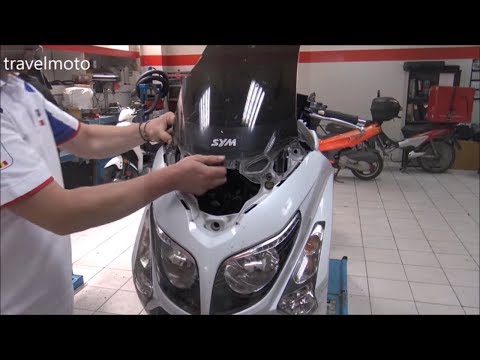
Maxsym 400
Before you can start, position your Sym MaxSym 400 on the centre stand. Begin by removing the rear-view mirrors by unscrewing the securing screws. Ne…

Maxsym 400
In today's video, you will see how to change the engine oil, performing the regular maintenance service on a Sym Maxsym 400 scooter. First, place the…
Maxsym 400
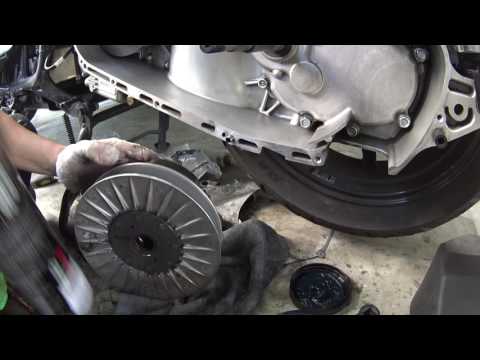
To replace the belt on a Sym MaxSym 400, loosen the bolts securing the transmission cover located near the rear wheel on the left side of the scooter…
|
How to Replace the Fork on the GasGas TXT 125?
To replace the fork on the GasGas TXT 125, first completely remove the front wheel of the bike: to do this, loosen the screws that secure the corresponding brake caliper and then loosen the nuts located on the sides of the central axle. Once the wheel is removed, you can loosen the screws that secure the fork from the top just below the steering: at this point, it will be possible to remove it completely so that you can insert the new one, securing it properly and checking its operation. by ScegliAuto More videos
|
|
For advertising on this site Write to info@scegliauto.com
ScegliAuto is not responsible for any inaccuracy of the data in the lists. To report any inaccuracy or your business (if you own the business in question), please write to info@scegliauto.com
Number of seconds to generate the page: 0.005
(c) ScegliAuto 2026 - info@scegliauto.com - Privacy policy VAT number: IT01247470535 |
