
|
Do it yourself
| |||
| ||||


Model: Sym Maxsym 400
The battery is located in the compartment under the ignition key hole (this cover also needs to be opened with the key). At this point, unscrew the two cross-head screws on your right and open the second cover. It's not over yet, as you will now find two additional screws to remove, this time using a socket spanner: these secure the metal bracket holding the battery in place. Pull the battery out enough to unscrew it, then disconnect the two bolts for the negative and positive terminals (always remove the negative first), remove the battery itself, and fit the new one.
Updated on 10 April 2026 by ScegliAuto
Video tutorial
Related tutorials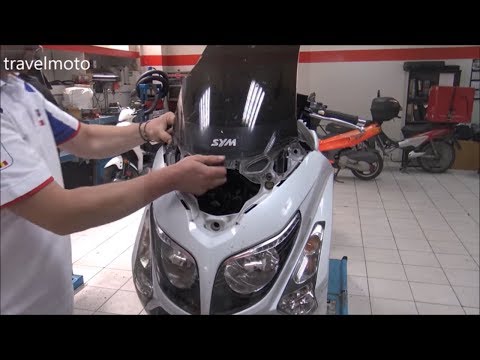
Maxsym 400
Before you can start, position your Sym MaxSym 400 on the centre stand. Begin by removing the rear-view mirrors by unscrewing the securing screws. Ne…

Maxsym 400
In a few simple steps, see how to remove and replace the battery of the Sym MaxSym 400 scooter. First, place the scooter on its stand and begin by op…
Maxsym 400
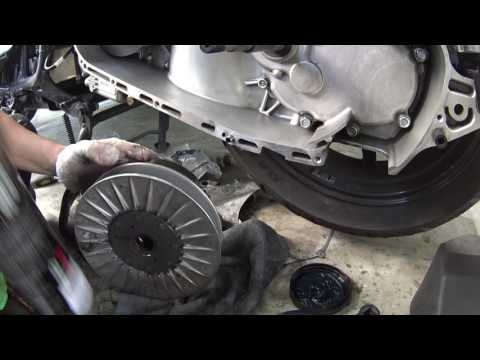
To replace the belt on a Sym MaxSym 400, loosen the bolts securing the transmission cover located near the rear wheel on the left side of the scooter…
|
How to Set the Time on a Piaggio Medley 125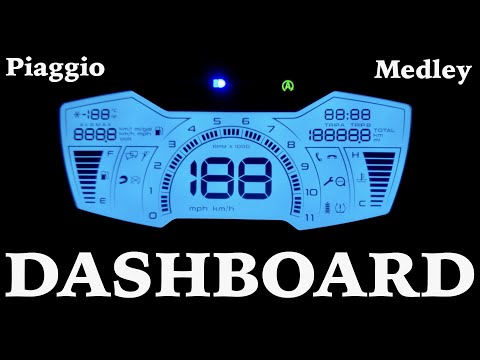
In this video, you will see the dashboard of the Piaggio Medley 125 clearly. The time display is located at the top right of the easy-to-read instrumentation, and changing the time is very simple. On the right, you have the "set" button. Press and hold it for five seconds. When the time starts to flash, just like on a common digital clock, you can modify the hours first, then the minutes, by pressing the button. Holding the "set" button will make the numbers scroll faster. To verify, simply turn off the ignition and then turn it back on to check that the change has been successful. by ScegliAuto More videos
|
|
For advertising on this site Write to info@scegliauto.com
ScegliAuto is not responsible for any inaccuracy of the data in the lists. To report any inaccuracy or your business (if you own the business in question), please write to info@scegliauto.com
Number of seconds to generate the page: 0.005
(c) ScegliAuto 2026 - info@scegliauto.com - Privacy policy VAT number: IT01247470535 |
