
|
Do it yourself
| |||
| ||||


Model: Sym Orbit 125
To install the windscreen on the Sym Orbit 125, loosen the nut that secures the bracket to which the rear-view mirror is attached, which will then need to be removed from its housing. Once the old mirror is removed, insert the windscreen bracket into the mirror's seat and secure it with the appropriate bolts. Now you can install the rubber grommets on the windscreen and attach it to the brackets by installing the bolts that will hold it in place. After installing the windscreen, you can reattach the mirrors by inserting them into their respective seats.
Updated on 30 April 2026 by ScegliAuto
Video tutorial
Related tutorials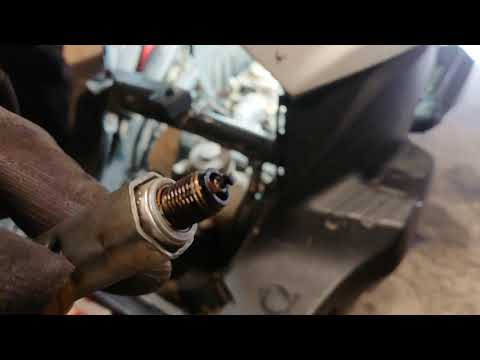
Orbit 125
This guide provides instructions on how to remove and replace the spark plug of the Sym Orbit 125 scooter engine. First, place your scooter on the ce…

Orbit 125
In this tutorial, learn how to change the engine oil as part of the regular maintenance service on a Sym Orbit 125 scooter. First, position the scoot…

Orbit 125
In order to replace the air filter of the Sym Orbit 125, you need to loosen the screws that hold the cover of the box: this will be located at the ba…
|
How to Reset the Engine Oil Light on a Yamaha XMax 250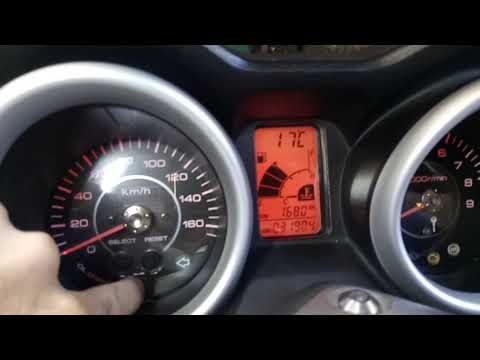
This short video demonstrates the procedure to reset the engine oil light on a Yamaha XMax 250 scooter. The operation is very simple and quick; first, insert the motorcycle key into the designated slot and turn it to the first position to power on the instrument panel without starting the vehicle. At this point, you will see the light on the display; simply press the "oil change" button located at the centre of the motorcycle's speedometer and hold it until the light stops flashing. The operation will then be complete; to verify success, turn off and then turn on the instrument panel. by ScegliAuto More videos
|
|
For advertising on this site Write to info@scegliauto.com
ScegliAuto is not responsible for any inaccuracy of the data in the lists. To report any inaccuracy or your business (if you own the business in question), please write to info@scegliauto.com
Number of seconds to generate the page: 1.083
(c) ScegliAuto 2026 - info@scegliauto.com - Privacy policy VAT number: IT01247470535 |
