
|
Do it yourself
| |||
| ||||


How to Replace the Rear Light on a Tata Indigo Manza?
Model: Tata Indigo
CS
- Years 2008-2016
In this tutorial, you will see how to remove the rear light on a Tata Indigo Manza, a very simple and quick operation. First, open the boot lid. Then, undo the two fixing bolts located along the inner edge of the light. Next, move the carpet after removing the relevant clips and undo the remaining bolt. At this point, pull the light towards you to extract it from the bodywork, disconnect the power connector, and proceed with replacing the damaged component, whether it is a bulb or the light unit itself.
Updated on 24 May 2026 by ScegliAuto
Video tutorial
Related tutorials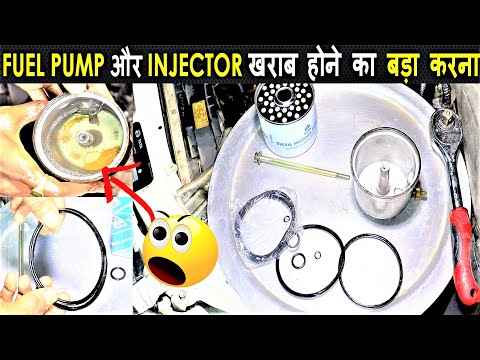
Tata Indigo
(2008-2016 /
CS)
Replacing the diesel filter on a Tata Indigo is an extremely simple and quick operation; let's see how to proceed in this tutorial. First, wait for t…
Tata Indigo
(2008-2016 /
CS)
If you need to replace the air filter on this car model, you can refer to the images in the video tutorial and the description of the various steps b…
Tata Indigo
(2008-2016 /
CS)
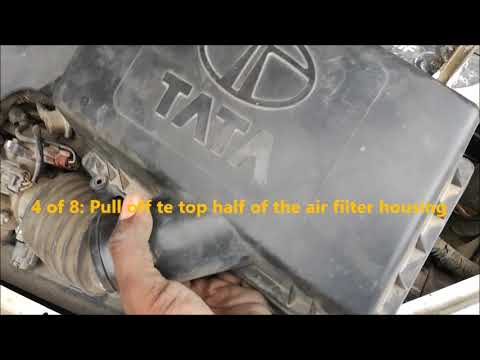
If you want to attempt replacing the air filter on this car model yourself, you will find instructions on how to proceed in the video and the descrip…
Other guides you may be interested in
|
How to reset the tyre pressure warning light on the Suzuki Jimny?
To reset the tyre pressure warning light on the Suzuki Jimny, first inflate the tyres to the pressure value indicated on the corresponding sticker: this is located at the bottom of the driver's door pillar. Once the tyres are inflated, insert the ignition key and turn on the instrument panel: select the screen that indicates the tyre pressures, checking that the values change. After a few seconds, the tyre pressure warning light will automatically turn off. by ScegliAuto More videos
|
|
For advertising on this site Write to info@scegliauto.com
ScegliAuto is not responsible for any inaccuracy of the data in the lists. To report any inaccuracy or your business (if you own the business in question), please write to info@scegliauto.com
Number of seconds to generate the page: 0.113
(c) ScegliAuto 2026 - info@scegliauto.com - Privacy policy VAT number: IT01247470535 |
