
|
Do it yourself
| |||
| ||||


How to program a new key for Tata Safari Storme?
Model: Tata Safari Storme
MK 1
- Years 2012-2019
It is possible to program a new remote key for the Tata Safari Storme without the need to already possess a programmed one or to consult a professional in the field. The procedure is accessible to everyone and only requires a few moments of time to be put into action. It consists of entering the cabin, closing the doors, and inserting the new key into the ignition cylinder and turning it on and off four times in a row. In the last step, the key must be removed and the door opening and closing buttons must be pressed for a few seconds.
Posted on 12 May 2023 by ScegliAuto
Video tutorial
Related tutorials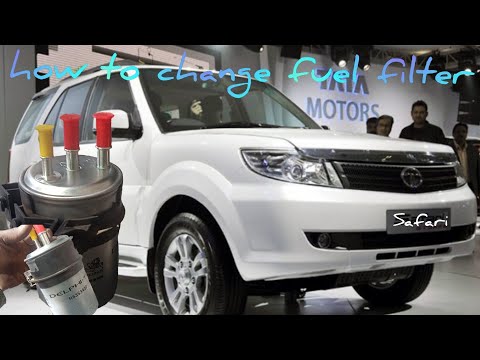
Tata Safari Storme
(2012-2019 /
MK 1)
Let's see in this guide how to disassemble and replace the fuel filter of the Tata Safari Storme. First we open the engine hood and go to locate our …
Tata Safari Storme
(2012-2019 /
MK 1)
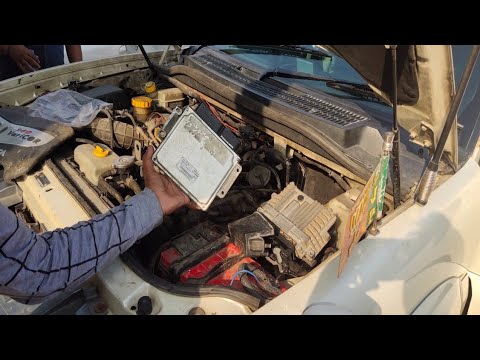
In order to replace the control unit of the Tata Safari Storme you have to go and open the bonnet, so that you can have access to the components insi…
Tata Safari Storme
(2012-2019 /
MK 1)
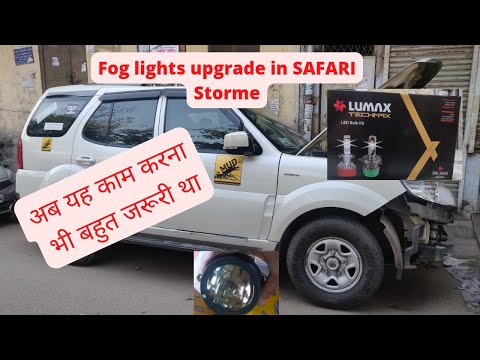
In order to replace the fog lights of the Tata Safari Storme, you must first completely remove the front bumper of the car. To do this, it will be ne…
Other guides you may be interested in
|
How to Remove the Fuel Pump from a Hyundai IX35
How to remove the fuel pump from a Hyundai IX35. First, disconnect the battery cables, then remove the rear seat from the car. You will find various wiring and a metal piece with screws; that is what you need to dismantle. Undo the screws of the metal cap and remove it. Wrap the entire perimeter of the metal sheet with absorbent paper or cloth, then, with a screwdriver, undo the large bolt around the pump (if present for the model). Disconnect the power connectors and the liquid circulation pipes. Finally, extract the floating fuel pump. To perform the assembly, work in reverse order. by ScegliAuto More videos
|
|
For advertising on this site Write to info@scegliauto.com
ScegliAuto is not responsible for any inaccuracy of the data in the lists. To report any inaccuracy or your business (if you own the business in question), please write to info@scegliauto.com
Number of seconds to generate the page: 0.105
(c) ScegliAuto 2026 - info@scegliauto.com - Privacy policy VAT number: IT01247470535 |
