
|
Do it yourself
| |||
| ||||


How to set the correct time on the Toyota Tacoma 2024
Model: Toyota Tacoma
N300
- Years 2016-2026
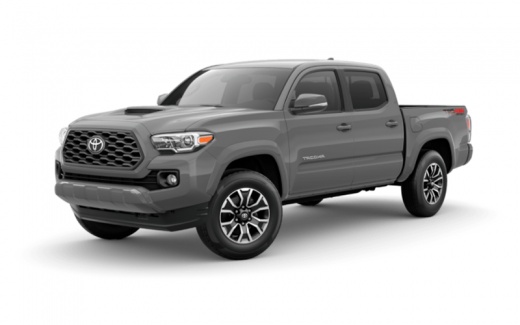
If you own the new Toyota Tacoma (year 2024) and want to find out how to manually change the displayed time, all you have to do is read the following guide carefully and apply what is described. First, start the touchscreen display of the infotainment system, then click on the settings icon and select the "General" option. Next, click on "Date and time" and proceed with changing the time, or activate the automatic time and select the correct time zone. Finally, exit the menu and you're done.
Posted on 8 December 2024 by ScegliAuto
Video tutorial
Related tutorials
Toyota Tacoma
(2016-2026 /
N300)
In this tutorial, we will see how to set the time in the Toyota Tacoma pickup, a very simple and quick operation to perform, for example, after disco…

Toyota Tacoma
(2016-2026 /
N300)
In this tutorial we can see how to adjust the time in the Toyota Tacoma pick-up, an extremely simple and quick operation, to be carried out for examp…

Toyota Tacoma
(2016-2026 /
N300)
In this tutorial we can see how to adjust the time in the Toyota Tacoma pick-up, an extremely simple and fast operation, to be carried out for exampl…
Other guides you may be interested in
|
How to reset the tyre pressure warning light on a Hyundai Tucson
Below are the instructions to reset the tyre pressure warning light (TPMS) on a Hyundai Tucson. First, get into the vehicle and turn on the instrument cluster; then navigate to the vehicle settings until you reach the tyre pressure monitor, identifying the tyre with incorrect pressure. At this point, restore all tyre pressures according to the specifications indicated on the label; this will reset the TPMS and the warning light will be cleared from the instrument cluster! by ScegliAuto More videos
|
|
For advertising on this site Write to info@scegliauto.com
ScegliAuto is not responsible for any inaccuracy of the data in the lists. To report any inaccuracy or your business (if you own the business in question), please write to info@scegliauto.com
Number of seconds to generate the page: 0.054
(c) ScegliAuto 2026 - info@scegliauto.com - Privacy policy VAT number: IT01247470535 |
