
|
Do it yourself
| |||
| ||||


How to replace the battery of the Toyota Yaris remote control?
Model: Toyota Yaris
Xp90
- Years 2005-2011
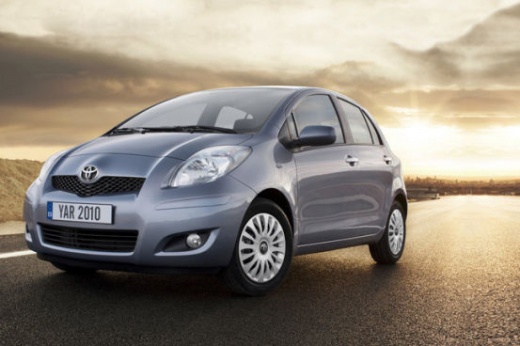
Replacing the battery of the Toyota Yaris remote control, as we can see in this tutorial, is an extremely simple and quick operation. To do this, we will only need a small screwdriver with a flat tip and a replacement battery of type CR2016. First of all, we locate the slot along the upper edge of the remote control, near the ring, then we insert the screwdriver inside it, lever and separate the two halves. We then extract the internal module, open it in turn and remove the old battery. At this point, all that remains is to insert the replacement and reassemble everything.
Posted on 18 December 2024 by ScegliAuto
Video tutorial
Related tutorials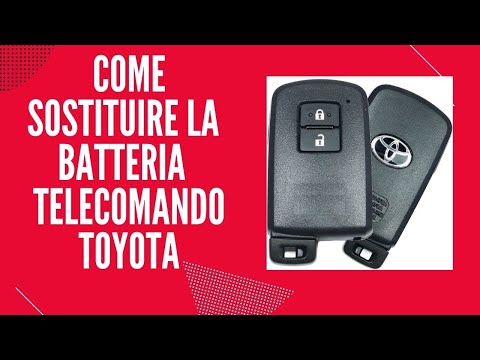
Toyota Yaris
(2011-2019 /
Xp130)
Today, we will show you how to change the remote battery on a Toyota Yaris. Take your remote and slide the button to release the metal key. Once extr…

Toyota Yaris
(2011-2019 /
Xp130)
You can replace the remote battery on a Toyota Yaris Hybrid by prying open the side of the device with an object, allowing you to detach the rear pan…
Toyota Yaris
(2020-2026 /
MK 4)
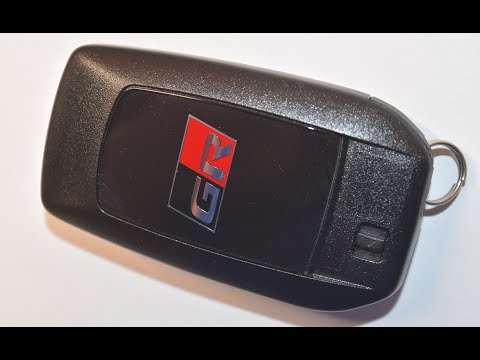
In order to replace the battery of the Toyota Yaris GR remote control, you need to remove the key from the top of the device: here it will be possibl…
Other guides you may be interested in
|
Frequently Asked QuestionsHow to reset the tyre pressure warning light on a Hyundai Tucson
Below are the instructions to reset the tyre pressure warning light (TPMS) on a Hyundai Tucson. First, get into the vehicle and turn on the instrument cluster; then navigate to the vehicle settings until you reach the tyre pressure monitor, identifying the tyre with incorrect pressure. At this point, restore all tyre pressures according to the specifications indicated on the label; this will reset the TPMS and the warning light will be cleared from the instrument cluster! by ScegliAuto More videos
|
|
For advertising on this site Write to info@scegliauto.com
ScegliAuto is not responsible for any inaccuracy of the data in the lists. To report any inaccuracy or your business (if you own the business in question), please write to info@scegliauto.com
Number of seconds to generate the page: 0.101
(c) ScegliAuto 2026 - info@scegliauto.com - Privacy policy VAT number: IT01247470535 |
