
|
Do it yourself
| |||
| ||||


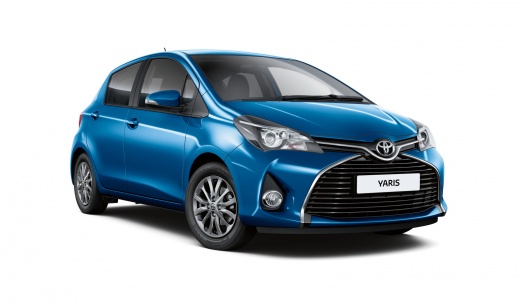
How to Reset the Service Light on a Toyota Yaris?
Model: Toyota Yaris
- Years:
2011, 2012, 2013, 2014, 2015, 2016, 2017, 2018, 2019
Video tutorial
While holding down the TRIP button located on the left spoke of the steering wheel with the instrument panel off, you can start the procedure to clear the service light on the Toyota Yaris: continue holding the button while inserting the ignition key into the switch and turning it to activate the panel. Once activated, continue to hold the TRIP button until the light disappears completely; at the end of the procedure, you can release the button and turn off the panel to finish.
Posted on 22 October 2026 by ScegliAuto
Related tutorials
Toyota Yaris
(2020-2026 /
MK 4)
You can completely eliminate the Service light from the instrument panel of the Toyota Yaris by holding down the button located on the right side of …

Toyota Yaris
(2020-2026 /
MK 4)
To reset the Service light of the Toyota Yaris, you need to press and hold the button located on the right side of the dashboard until it turns off: …
Toyota Yaris
(2020-2026 /
MK 4)
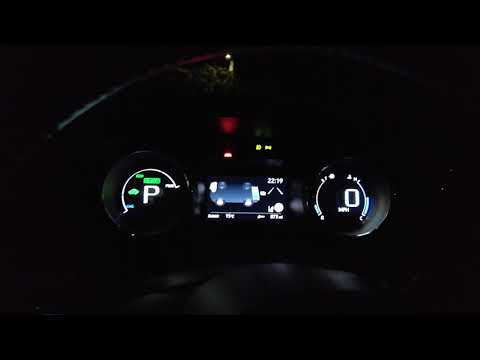
To reset the Service light on the Toyota Yaris Hybrid, turn the ignition key to the 'on' position to access the menu that will appear on the instrume…
Other guides you may be interested in
|
How to Reset the Tyre Pressure Light on the Suzuki Swift?
To reset the tyre pressure light on the Suzuki Swift, inflate the tyres to the recommended pressure value, which is indicated on the sticker affixed to the driver's door pillar. After inflating the tyres, enter the cabin and press and hold the button at the top right of the instrument cluster. Rotate it to scroll through the menu that appears until you select "TPMS" and then "Tyre pressure". On the subsequent screen, press and hold the button to permanently clear the light. by ScegliAuto More videos
|
|
For advertising on this site Write to info@scegliauto.com
ScegliAuto is not responsible for any inaccuracy of the data in the lists. To report any inaccuracy or your business (if you own the business in question), please write to info@scegliauto.com
Number of seconds to generate the page: 0.088
(c) ScegliAuto 2026 - info@scegliauto.com - Privacy policy VAT number: IT01247470535 |
