
|
Do it yourself
| |||
| ||||


How to Replace the Brake Shoes on a Toyota Probox
Model: Toyota Probox
Xp50
- Years 2002-2014
To replace the brake shoes on a Toyota Probox, lift the vehicle with a jack or lift so that the wheel corresponding to the shoes being replaced is not in contact with the ground. Then, remove the bolts that secure the wheel to the hub to completely take off the piece. Next, unscrew the screws that hold the drum, removing it entirely to access the components inside. Here, you will find the shoes, which need to be detached from the braking mechanism so that you can install the new replacement parts.
Updated on 19 May 2026 by ScegliAuto
Video tutorial
Related tutorials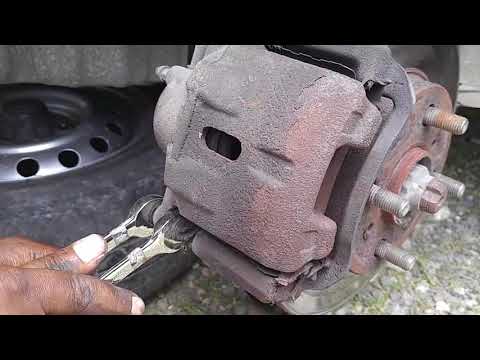
Toyota Probox
(2002-2014 /
Xp50)
In today's tutorial video, you will learn how to remove and replace the front brake pads on the Toyota Probox by following these simple steps. First,…

Toyota Probox
(2002-2014 /
Xp50)
In this video we can see how to remove the car radio from the Toyota Probox, by removing the air conditioning console. The Toyota Probox is a light c…
Toyota Probox
(2002-2014 /
Xp50)
If you are looking for the fuse box of your 2006 Toyota Probox but have not found it yet, do not worry because below you will find all the necessary …
Other guides you may be interested in
|
How to Reset the Tyre Pressure Light on the Opel Grandland X
While driving, if you notice the tyre pressure warning light coming on, first check the actual inflation pressure of the tyres and, if necessary, restore the pressures recommended by the manufacturer. After restoring the correct pressures, you need to reset the warning light that has illuminated on the instrument cluster. To do this, locate the reset button on the lower central console. Press this button and hold it down for at least 3 seconds, after which the low pressure indication will turn off. by ScegliAuto More videos
|
|
For advertising on this site Write to info@scegliauto.com
ScegliAuto is not responsible for any inaccuracy of the data in the lists. To report any inaccuracy or your business (if you own the business in question), please write to info@scegliauto.com
Number of seconds to generate the page: 0.377
(c) ScegliAuto 2026 - info@scegliauto.com - Privacy policy VAT number: IT01247470535 |
