
|
Do it yourself
| |||
| ||||


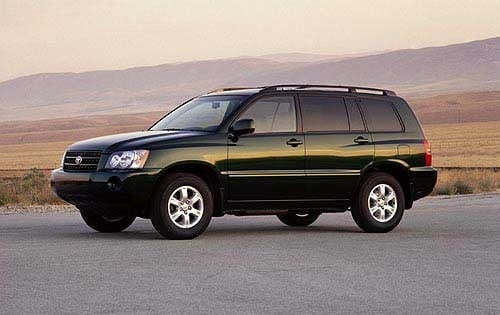
How to replace the rear lamp bulbs on a Toyota Highlander
Model: Toyota Highlander
Xu20
- Years:
2001, 2002, 2003, 2004, 2005, 2006, 2007
Video tutorial
Through these brief and simple instructions, you will see how to remove and replace the bulbs in the rear lamp of a Toyota Highlander. First, open the rear hatch of the boot and start by removing the inner rear cover of the lamp; then unscrew the fixing screw and disconnect the electrical connector, thus removing the rear lamp as shown in the video. At this point, replace the faulty bulbs with new ones of the correct type and with the same fitting; finally, reassemble the rear lamp by applying the reverse procedure of disassembly!
Updated on 25 September 2026 by ScegliAuto
Related tutorials
Toyota Highlander
(2001-2007 /
Xu20)
The air filter in your Toyota Highlander is undoubtedly one of the most important and most wear-prone components. Its main function is to allow the e…
Toyota Highlander
(2020-2026 /
Xu70)
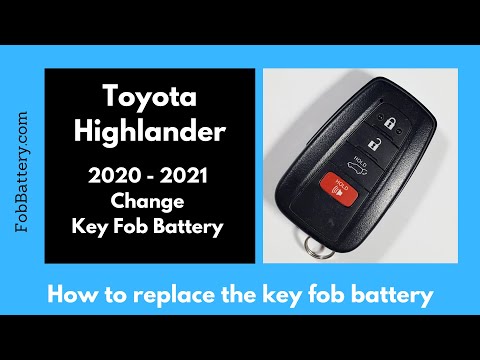
Follow these steps to disassemble and replace the battery of the key fob for the Toyota Highlander. First, take your key fob and remove the physical …
Toyota Highlander
(2014-2019 /
Xu50)
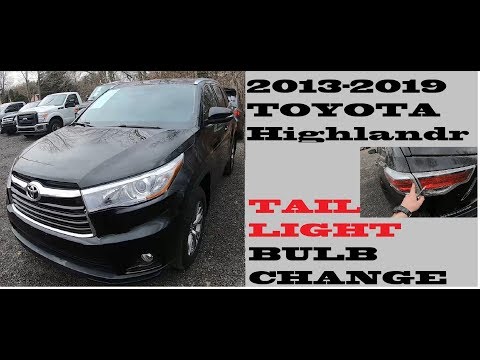
Replacing the rear headlamp bulbs on the Toyota Highlander is a straightforward task. Start by opening the tailgate and removing the plastic panel us…
Other guides you may be interested in |
How to Activate the Disabled TRC on the Toyota Yaris?
As the video clearly shows, disabling or activating the traction control (TRC or ESP) on the Toyota Yaris is very simple. By default, the traction system activates every time the vehicle is started. To disable it, simply press the button depicting a skidding car located in the centre of the vehicle where the controls are, such as the hazard lights and the radio, but near the handbrake. Once disabled, the TRC off light will illuminate on the dashboard. To reactivate it, just press the same button again. by ScegliAuto More videos
|
|
For advertising on this site Write to info@scegliauto.com
ScegliAuto is not responsible for any inaccuracy of the data in the lists. To report any inaccuracy or your business (if you own the business in question), please write to info@scegliauto.com
Number of seconds to generate the page: 0.011
(c) ScegliAuto 2026 - info@scegliauto.com - Privacy policy VAT number: IT01247470535 |
