
|
Do it yourself
| |||
| ||||


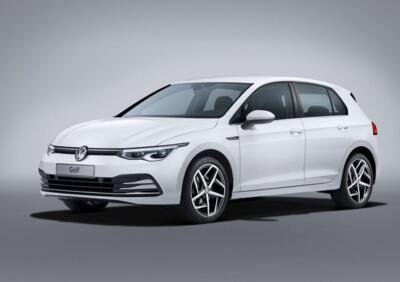
How to deactivate the start and stop system of the Golf 8
Model: Volkswagen Golf
MK 8, Golf 8, Golf Viii
- Years:
2019, 2020, 2021, 2022, 2023, 2024, 2025, 2026
Video tutorial
In this article, we will see how to deactivate the start and stop system of the Volkswagen Golf 8 in order to preserve the battery. The procedure is simple, takes a few seconds to be carried out, and does not require tools or software. To deactivate this system, after starting the ignition or the engine, you will need to use the car radio screen, pull down the appropriate curtain, and then you can deactivate or reactivate the start and stop system of your Golf 8. This system is used to reduce fuel consumption and pollution when the vehicle is stationary, such as at a traffic light.
Posted on 12 January 2025 by ScegliAuto
Related tutorials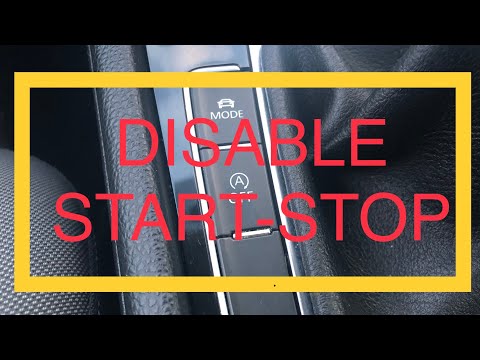
Volkswagen Golf
(2012-2019 /
MK 7, Golf 7, Golf VII)
Today, in this video tutorial, see how to disable the start&stop function of the Volkswagen Golf TDI, following the instructions below. The start&sto…
Volkswagen Golf
(2012-2019 /
MK 7, Golf 7, Golf VII)
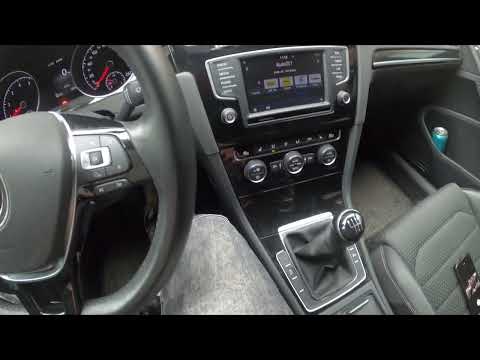
In this video, see how to activate or deactivate the start & stop system on the Volkswagen Golf 7. The procedure is very simple as there is a button …

Volkswagen Golf
(2019-2026 /
MK 8, Golf 8, Golf Viii)
To deactivate the Start/Stop system on the Volkswagen Golf 8, get into the vehicle and turn on the ignition or start the engine. Locate the button wi…
Other guides you may be interested in
|
How to unlock the radio of the Iveco Daily
When an Iveco Daily displays the radio error message or prompts to enter the radio code, it means you need to enter the unlock code to resume using the radio. This situation occurs after replacing or disconnecting the vehicle's battery. Enter the unlock code, which can be found in the vehicle's user manual or calculated through the "radio code" website. Input the code using the numeric buttons and then confirm by pressing the OK button. Once this is done, turn off and then turn on the ignition. by ScegliAuto More videos
|
|
For advertising on this site Write to info@scegliauto.com
ScegliAuto is not responsible for any inaccuracy of the data in the lists. To report any inaccuracy or your business (if you own the business in question), please write to info@scegliauto.com
Number of seconds to generate the page: 0.066
(c) ScegliAuto 2026 - info@scegliauto.com - Privacy policy VAT number: IT01247470535 |
