
|
Do it yourself
| |||
| ||||


How to Replace the Battery on Volkswagen Golf 7
Model: Volkswagen Golf
Golf VII, MK 7, Golf 7
- Years 2012-2019
Here’s how to replace the battery on a Volkswagen Golf 7 by following these steps: take your remote control and press the button to release the metal key. Once the metal key is out, use a screwdriver to pry between the two covers of the key (in the space where the metal key fits). Pry until the cover opens, then remove the worn battery with a small screwdriver, take a new one of the same size and voltage. Fit the small motherboard onto the same cover or replace it with a new one, press the key case until you hear the locking click. Finally, join the two covers and check the correct functioning of the remote by pressing the buttons.
Updated on 1 March 2026 by ScegliAuto
Video tutorial
Related tutorials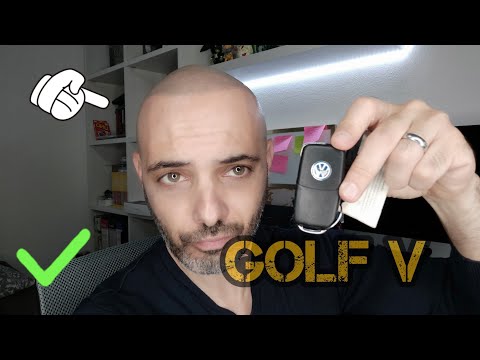
Volkswagen Golf
(2003-2008 /
MK 5, Golf 5, Golf V)
First, obtain a CR2032 battery, which is readily available. Once you have the new battery, open the "blade" of the key. After opening the "blade", ge…
Volkswagen Golf
(1997-2003 /
Golf IV, MK 4, Golf 4)
How do you replace the flat battery in the key remote of a Volkswagen Golf 4? Follow these steps: take your remote and press the button to release th…
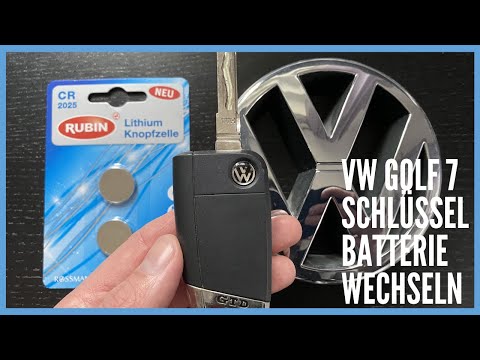
Volkswagen Golf
(2012-2019 /
Golf VII, MK 7, Golf 7)
The battery in the Volkswagen Golf 7 remote is a button cell battery identified by the code CR2025. Obtain a new one available at DIY shops, tobaccon…
Other guides you may be interested in
|
Fuses Location and Diagram for the Volkswagen Crafter
In this guide, we will look at the location of the fuse boxes and how to find their diagram for the Volkswagen Crafter. First, get inside the vehicle and start by removing the plastic cover found under the steering wheel, to access the internal fuse box; you will find another fuse box in the engine compartment by removing the plastic cover located next to the battery. At this point, use the owner's manual to find the fuse diagram, which will allow you to identify and replace any blown fuses with new ones! by ScegliAuto More videos
|

|
For advertising on this site Write to info@scegliauto.com
ScegliAuto is not responsible for any inaccuracy of the data in the lists. To report any inaccuracy or your business (if you own the business in question), please write to info@scegliauto.com
Number of seconds to generate the page: 0.152
(c) ScegliAuto 2026 - info@scegliauto.com - Privacy policy VAT number: IT01247470535 |
