
|
Do it yourself
| |||
| ||||


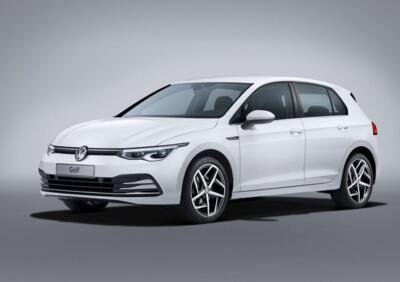
How do you remove the wording "Component protection active" on the display of the Volkswagen Golf?
Model: Volkswagen Golf
Golf Viii, MK 8, Golf 8
- Years:
2019, 2020, 2021, 2022, 2023, 2024, 2025, 2026
Video tutorial
If the message "Component protection active" appears on the central screen of the Volkswagen Golf, it means that a generic electronic problem has occurred that compromises the correct functioning of the infotainment system. To remove this warning, you will need to connect a diagnostic tool to the OBD port of the vehicle, which is located under the steering column. This way, you can select the specific car model and proceed with the elimination of the error that triggers the message; finally, you can disconnect the scanner and turn off the instrument panel by turning the key.
Posted on 8 March 2025 by ScegliAuto
Related tutorials
Volkswagen Golf
(2012-2019 /
Golf 7, Golf VII, MK 7)
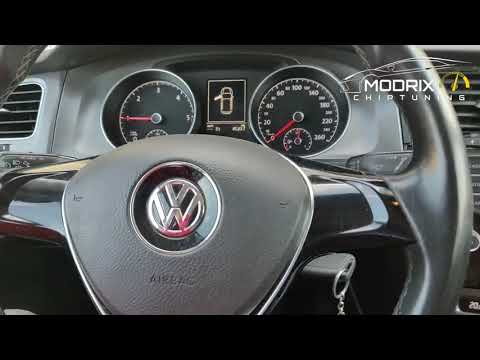
When the message "Component protection active" appears on the central display of a Volkswagen Golf, it means there is a general electronic issue prev…
Volkswagen Golf
(2012-2019 /
Golf 7, Golf VII, MK 7)
When the central display of the Volkswagen Golf shows the message "Component protection active", it indicates a general electronic problem that affec…

Volkswagen Golf
(2012-2019 /
Golf 7, Golf VII, MK 7)
To remove the "Component protection active" message that appears on the display of the Volkswagen Golf, connect a diagnostic tool to the vehicle's OB…
ScegliAuto offers an extensive international collection of automotive tutorials available in 12 languages. Each guide combines instructional videos with original explanations written by experienced human editors, along with information about the car models covered.
Other guides you may be interested in
|
How to Reset the Tyre Pressure Warning Light on the Toyota RAV 4
Today, discover the guide that will allow you to reset the tyre pressure warning light on the Toyota RAV 4; before performing the reset, ensure that all four tyres are at the correct operating pressure. Then, get in the vehicle and turn on the ignition; navigate to the vehicle settings and then to the TPMS option, as shown in the video. At this point, reset the warning light by confirming with the OK button; this will automatically reset the TPMS light on the instrument panel! by ScegliAuto More videos
|
|
For advertising on this site Write to info@scegliauto.com
ScegliAuto is not responsible for any inaccuracy of the data in the lists. To report any inaccuracy or your business (if you own the business in question), please write to info@scegliauto.com
Number of seconds to generate the page: 0.084
(c) ScegliAuto 2026 - info@scegliauto.com - Privacy policy - About us VAT number: IT01247470535 |
