
|
Do it yourself
| |||
| ||||


Where is the OBD2 port of the Volkswagen Scirocco located?
Model: Volkswagen Scirocco
MK 3
- Years 2008-2017
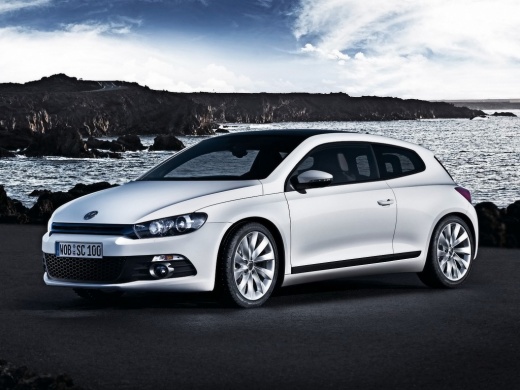
In the following guide aimed at all of you who own a Volkswagen Scirocco, we will describe the steps you need to take in order to locate the OBD2 port in just a few seconds. First, open the door on the driver's side and enter the cabin. Make sure your Volkswagen Scirocco is turned off and shift your attention to the lower area of the dashboard, below the steering wheel. At this point, locate the OBD2 port on the left side and you're done. If necessary, you can connect any diagnostic tool to it as long as it is compatible with the car.
Posted on 9 June 2025 by ScegliAuto
Video tutorial
Related tutorials
Volkswagen Scirocco
(2008-2017 /
MK 3)
If you do not know where the OBD2 port is located on your Volkswagen Scirocco, do not worry as you just need to read this guide carefully to find it …

Volkswagen Scirocco
(2008-2017 /
MK 3)
If you want to discover the exact location of the OBD port in the interior of your Volkswagen Scirocco, all you have to do is carefully read the foll…

Volkswagen Scirocco
(2008-2017 /
MK 3)
In this new mini guide dedicated to your Volkswagen Scirocco (2008-2017), we will discover where the fuse box is located. Once identified, you will f…
Other guides you may be interested in
|
Where is the Spare Wheel in the Peugeot 5008?
This video shows where the spare wheel is located in the Peugeot 5008 and how to access it, useful in case of a puncture. As shown, the wheel is not in the usual boot compartment but underneath it, outside the vehicle. To free the wheel, first gather the tools provided, then open the boot, locate the small indicated hatch, and open it. Next, loosen the bolt just released using the large socket wrench enough to lower the wheel to the ground. by ScegliAuto More videos
|
|
For advertising on this site Write to info@scegliauto.com
ScegliAuto is not responsible for any inaccuracy of the data in the lists. To report any inaccuracy or your business (if you own the business in question), please write to info@scegliauto.com
Number of seconds to generate the page: 0.092
(c) ScegliAuto 2026 - info@scegliauto.com - Privacy policy VAT number: IT01247470535 |
