
|
Do it yourself
| |||
| ||||


How do you reset the tire pressure warning light on a Volkswagen Tiguan?
Model: Volkswagen Tiguan
5N, MK 1
- Years 2007-2016
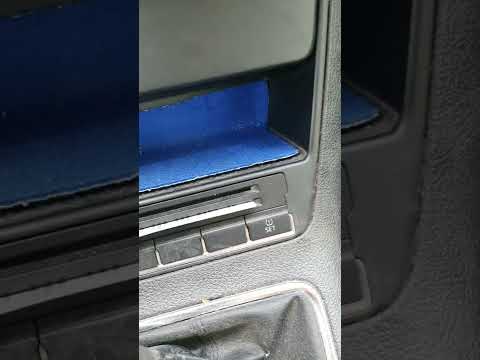
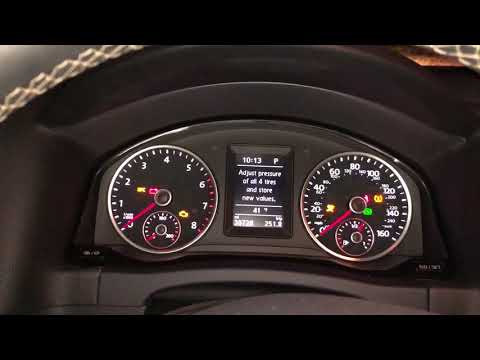
From the instrument panel of the Volkswagen Tiguan, you can eliminate the tire pressure warning light by first inflating the tires to the optimal pressure value: this value can be found on the sticker affixed to the driver's door pillar. Once the tires have been brought back to the correct pressure, you can press the MENU button located on the right side of the steering wheel and navigate through the screen that appears until you select the "Tire pressure" option. At this point, you can select the "Store" option to ensure that the corresponding warning light is cleared.
Posted on 23 November 2025 by ScegliAuto
Video tutorial
Related tutorials
Volkswagen Tiguan
(2016-2025 /
BW, MK 2, AD)
Below we will discover the steps that will allow us to reset the tire pressure warning light on the Volkswagen Tiguan. Before resetting the TPMS warn…
Volkswagen Tiguan
(2007-2016 /
5N, MK 1)
This brief tutorial shows how to reset the TPMS light, which indicates tyre pressure, on a first-generation Volkswagen Tiguan, produced from 2007 to …
Volkswagen Tiguan
(2016-2025 /
BW, MK 2, AD)
In the Volkswagen Tiguan, after restoring the correct pressure in each tyre, for example after a puncture or natural deflation over time, you need to…
Other guides you may be interested in
|
How to Set the Clock on the Opel Zafira
Setting the clock to the current Italian time on an Opel Zafira model B is a very simple operation, also made easier by our short instructional video. The first step is to turn on the instrument panel and then press the SETTING button located on the central dashboard. Once inside the menu, use the buttons to navigate to the clock setting. Adjust the hours and minutes and restart the instrument panel. If the clock does not update, it may be necessary to diagnose the radio or the vehicle's control unit. by ScegliAuto More videos
|
|
For advertising on this site Write to info@scegliauto.com
ScegliAuto is not responsible for any inaccuracy of the data in the lists. To report any inaccuracy or your business (if you own the business in question), please write to info@scegliauto.com
Number of seconds to generate the page: 0.063
(c) ScegliAuto 2026 - info@scegliauto.com - Privacy policy VAT number: IT01247470535 |
