
|
Do it yourself
| |||
| ||||


How to Set the Clock on the Volkswagen Tiguan?
Model: Volkswagen Tiguan
- Years 2016-2025
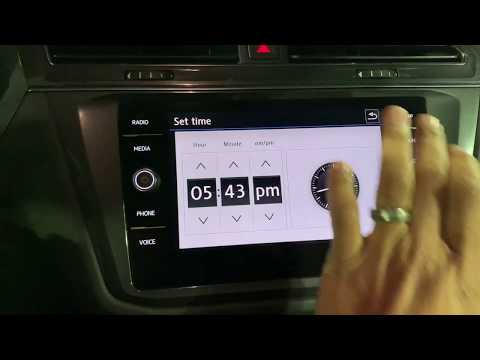
To adjust the clock on the Volkswagen Tiguan, you need to turn on the instrument cluster and then press the MENU button on the central display: using the touch screen, select the "Settings" option and then "Time and date". By selecting the manually entered date, you can modify the hours and minutes, also choosing between 24-hour or 12-hour format. Once the desired time is set, you can return to the main screen, checking that the time adjustment has been made.
Posted on 28 September 2026 by ScegliAuto
Video tutorial
Related tutorials
Volkswagen Tiguan
(2016-2025 /
BW, MK 2, AD)
To adjust the clock on the Volkswagen Tiguan, you need to turn on the instrument panel and then press the MENU button next to the central display. Us…
Volkswagen Tiguan
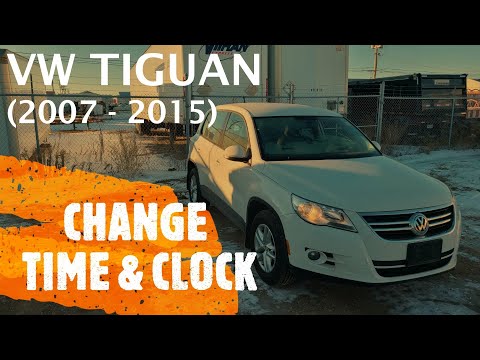
(2007-2016 /
5N, MK 1)
To set the clock on a Volkswagen Tiguan, turn on the ignition and navigate through the menu that appears on the display using the buttons on the end …
Volkswagen Tiguan
(2016-2025 /
BW, MK 2, AD)
To set the clock on the Volkswagen Tiguan, turn on the instrument panel and then press the MENU button located on the central display: using the touc…
Other guides you may be interested in
|
How to Set the Time on the New Vespa 2023
In this new mini guide dedicated to your new Vespa 2023, discover how to manually change the time displayed on the central dashboard. First, position your Vespa on the stand. Then, insert the key and start the instrument panel. At this point, locate the "Mode" button on the right knob and hold it down for a few seconds. Release it as soon as the time on the dashboard starts to flash and press it multiple times to change both the hour and minute digits. When finished, turn off the panel and you are done. by ScegliAuto More videos
|
|
For advertising on this site Write to info@scegliauto.com
ScegliAuto is not responsible for any inaccuracy of the data in the lists. To report any inaccuracy or your business (if you own the business in question), please write to info@scegliauto.com
Number of seconds to generate the page: 0.351
(c) ScegliAuto 2026 - info@scegliauto.com - Privacy policy VAT number: IT01247470535 |
