
|
Do it yourself
| |||
| ||||


Brake Pedal Switch Replacement
Model: Volkswagen Golf
Golf IV, MK 4, Golf 4
- Years 1997-2003
The brake pedal switch is located just above the pedal lever and is secured with a bayonet fitting: to remove it, simply rotate it about ninety degrees counter-clockwise and pull it upwards to detach it from its housing; then disconnect the power connector and attach it to the new switch; align the new switch so that it fits into the corresponding housing and rotate it ninety degrees clockwise until it clicks into place. After installation, check the correct operation of the new switch by pressing the pedal and verifying the brake lights illuminate.
Updated on 13 February 2026 by ScegliAuto
Video tutorial
Related tutorials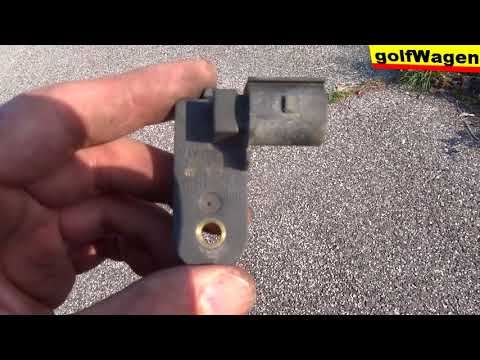
Volkswagen Golf
(2003-2008 /
MK 5, Golf 5, Golf V)
To replace the brake pedal switch on the Volkswagen Golf, open the bonnet and access the engine bay. Here, you will need to loosen the bolts securing…
Volkswagen Golf
(1997-2003 /
Golf IV, MK 4, Golf 4)
In this tutorial, you will see how to replace the brake light switch in a Volkswagen Golf MK4, a very simple and quick operation. First, you will nee…
Volkswagen Golf
(1974-1983 /
Golf 1, MK 1)
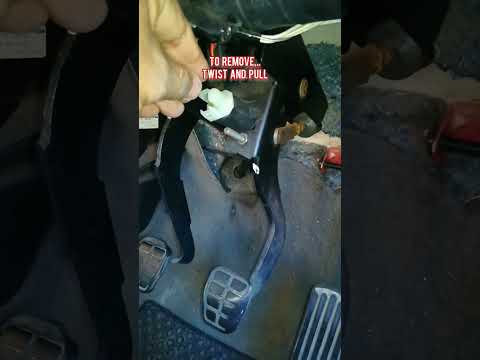
In this tutorial, we will see how to replace the brake light switch in the Volkswagen Golf, a very simple and quick operation. As shown, the switch i…
Other guides you may be interested in
|
How to Reset the Tyre Pressure Light on the Opel Grandland X
While driving, if you notice the tyre pressure warning light coming on, first check the actual inflation pressure of the tyres and, if necessary, restore the pressures recommended by the manufacturer. After restoring the correct pressures, you need to reset the warning light that has illuminated on the instrument cluster. To do this, locate the reset button on the lower central console. Press this button and hold it down for at least 3 seconds, after which the low pressure indication will turn off. by ScegliAuto More videos
|
|
For advertising on this site Write to info@scegliauto.com
ScegliAuto is not responsible for any inaccuracy of the data in the lists. To report any inaccuracy or your business (if you own the business in question), please write to info@scegliauto.com
Number of seconds to generate the page: 0.100
(c) ScegliAuto 2026 - info@scegliauto.com - Privacy policy VAT number: IT01247470535 |
