
|
Do it yourself
| |||
| ||||


How to Replace the Battery in a Volkswagen Golf 5
Model: Volkswagen Golf
MK 5, Golf 5, Golf V
- Years 2003-2008
In this video tutorial, see the procedure to replace the battery in a Volkswagen Golf 5. Required materials: a ratchet with a 13 mm socket, a small ratchet with a 10 mm socket, a 5 mm Allen key, a pair of pliers, an external power source (optional), and a set of jumper cables. First, lift the bonnet and secure it with the prop rod. Unscrew the airbox fastening element with a 5 mm Allen key, and unscrew the clamp connecting the intake pipe to the airbox, then remove the plug and take out the airbox from its seat. Now, remove the battery fastening element (13 mm bolt). Connect the auxiliary battery (optional), connecting the positive (red terminal) first, then the negative (black terminal). Now loosen the 10 mm screws and disconnect the cables: first the positive. Once the cables are removed, you can take out the old battery from its seat.
Updated on 28 June 2026 by ScegliAuto
Video tutorial
Related tutorials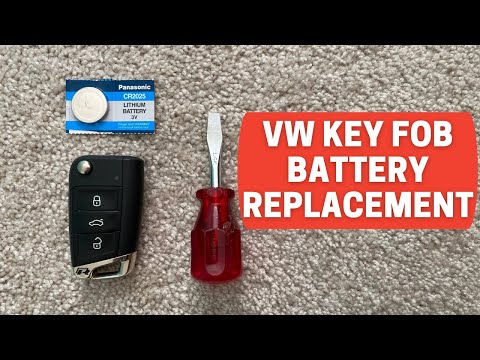
Volkswagen Golf
(2012-2019 /
Golf VII, MK 7, Golf 7)
Start by pressing the button located on the back of the key fob for your Volkswagen Golf to open the physical key. Then, using a flathead screwdriver…
Volkswagen Golf
(1997-2003 /
Golf IV, MK 4, Golf 4)
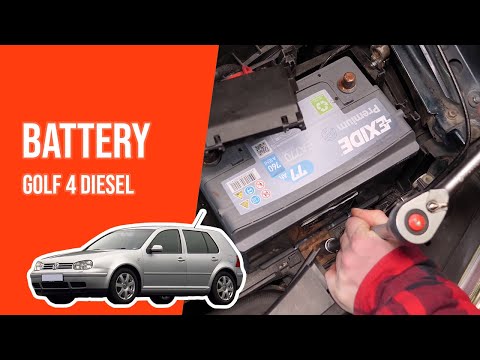
In this video tutorial, you will see the steps to remove and replace the battery in a Volkswagen Golf. First, open the bonnet of your car and locate …

Volkswagen Golf
(2008-2012 /
MK 6, Golf VI, Golf 6, 5K1)
To replace the battery in a Volkswagen Golf, open the bonnet and locate the battery in the engine compartment, generally on the right side. Remove th…
Other guides you may be interested in
|
How to set the clock on the Opel Zafira
Setting the clock to the current Italian time on an Opel Zafira model B vehicle is a very simple operation, which can also be done independently thanks to our short instructional video. The first thing to do is to turn on the instrument panel and then press the SETTING button, located on the central dashboard. Once inside the menu, use the buttons to navigate to the clock setting. Change the hours and minutes and restart the instrument panel. If the clock is not updated, a diagnosis may be necessary at the radio or vehicle control unit. by ScegliAuto More videos
|
|
For advertising on this site Write to info@scegliauto.com
ScegliAuto is not responsible for any inaccuracy of the data in the lists. To report any inaccuracy or your business (if you own the business in question), please write to info@scegliauto.com
Number of seconds to generate the page: 0.240
(c) ScegliAuto 2026 - info@scegliauto.com - Privacy policy VAT number: IT01247470535 |
