
|
Do it yourself
| |||
| ||||



How to Unlock App Connect on the Volkswagen Golf?
Model: Volkswagen Golf
MK 7, Golf 7, Golf VII
- Years:
2012, 2013, 2014, 2015, 2016, 2017, 2018, 2019
Video tutorial
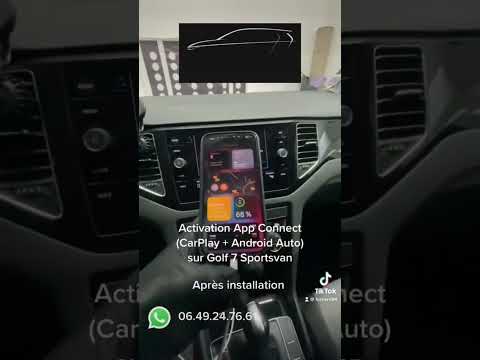
The procedure to activate App Connect on the Volkswagen Golf cannot be performed independently: you must visit an official brand network or an authorised Volkswagen workshop. Here, the staff will enter a code that will unlock the functions of App Connect, which can be accessed through the appropriate option on the display or via the relevant controls on the steering wheel. By accessing the features of App Connect, you can use voice commands to perform tasks such as making calls, playing music, etc.
Updated on 25 September 2026 by ScegliAuto
Related tutorials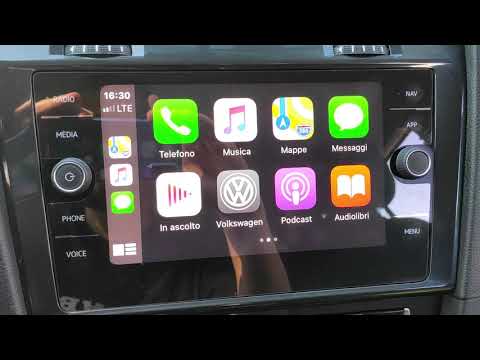
Volkswagen Golf
(2012-2019 /
MK 7, Golf 7, Golf VII)
To unlock App Connect on a Volkswagen Golf, you need to contact your dealer or the official brand network: entering a code is necessary to access thi…
Volkswagen Golf
(2012-2019 /
MK 7, Golf 7, Golf VII)
To unlock App Connect on a Volkswagen Golf, there is no procedure that can be done independently: you will need to use a code provided directly by th…

Volkswagen Golf
(2012-2019 /
MK 7, Golf 7, Golf VII)
The App Connect system on the Volkswagen Golf can be unlocked by contacting your dealer or the official vehicle network: entering a code will be nece…
Other guides you may be interested in
|
How to Set the Time in an Audi A4?
In this tutorial, you will see how to set the time in an Audi A4, a very simple and quick operation to perform after replacing the battery or when the time changes. First, insert the key and turn on the instrument cluster. Then, press the "SETUP" button located on the center console. Next, press the upper left arrow button, navigate to the "Time" option, and use the central knob to adjust the clock. Finally, set any necessary formats and save by returning to the main screen. by ScegliAuto More videos
|
|
For advertising on this site Write to info@scegliauto.com
ScegliAuto is not responsible for any inaccuracy of the data in the lists. To report any inaccuracy or your business (if you own the business in question), please write to info@scegliauto.com
Number of seconds to generate the page: 0.020
(c) ScegliAuto 2026 - info@scegliauto.com - Privacy policy VAT number: IT01247470535 |
