
|
Do it yourself
| |||
| ||||


|
Model: Yamaha Xmax 125
Below we will see the instructions that will allow us to reset the transmission belt change warning of the Yamaha Xmax 125 scooter, as well as the 300 and 400. First of all, we put the scooter on the stand and start the instrument panel; we go to the v-belt voice, then press and hold the button we find at the bottom right of the handlebars, as shown in the video. At this point we wait for the final reset of the belt change warning, thus resetting the mileage counter; finally, we turn off the panel and start the engine!
Posted on 3 August 2025 by ScegliAuto
Video tutorial
Related tutorials
Xmax 125
On the Yamaha Xmax 125, the reset operation of the V-Belt warning light involves inserting the key into the ignition switch and turning it to turn on…
Xmax 125
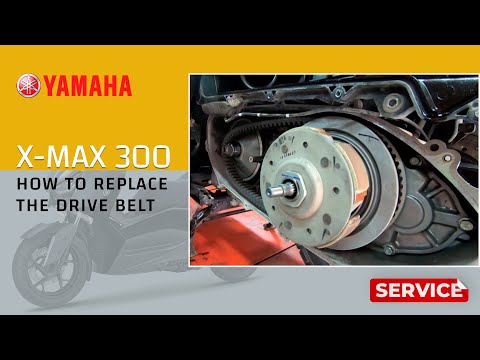
In this tutorial, you will learn how to replace the drive belt on a Yamaha XMAX 125 scooter, a relatively simple task. First, wait for the engine to …

Xmax 125
On board the Yamaha Xmax 125, the V-Belt indicator light can be reset by turning on the instrument panel, inserting the ignition key into its block: …
|
How to Replace the Battery in a Yamaha FZ6?
Replacing the battery in the Yamaha FZ6, as shown in this tutorial, is a very simple and quick operation. First, ensure that the key is not inserted, then remove the rider's seat and, using a 10mm socket spanner, loosen the bolt on the tank hinge. Next, unscrew both the front bolts and the fairing mounting bolts, lift the entire tank, and disconnect both terminals starting with the negative. At this point, you can remove the upper plastic plate, take the battery out of its housing, and fit the replacement. by ScegliAuto More videos
|
|
For advertising on this site Write to info@scegliauto.com
ScegliAuto is not responsible for any inaccuracy of the data in the lists. To report any inaccuracy or your business (if you own the business in question), please write to info@scegliauto.com
Number of seconds to generate the page: 0.008
(c) ScegliAuto 2026 - info@scegliauto.com - Privacy policy VAT number: IT01247470535 |
