
|
Do it yourself
| |||
| ||||


Model: Yamaha Aerox
In this tutorial, we will see how to reset the service on a Yamaha Aerox scooter, a very simple and quick operation to perform only after completing all scheduled maintenance tasks. Start by inserting the key, then turn on the instrument panel. Using the "MENU" button located on the left handle, scroll through the various display information until you reach the service interval. Press and hold the same button until the interval starts flashing, then release it and press and hold it a second time until the reset is complete.
Posted on 26 February 2026 by ScegliAuto
Video tutorial
Related tutorials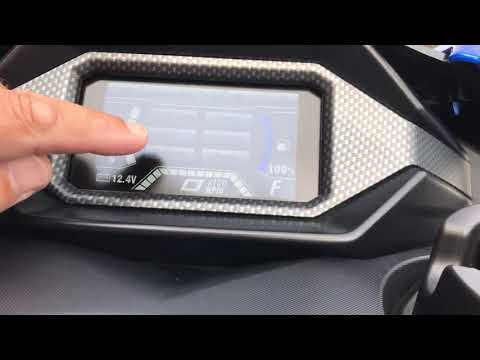
Aerox
In this tutorial, you will see how to reset the service light on the Yamaha Aerox scooter, an extremely simple and quick operation. Before proceeding…

Aerox
In this tutorial, see how to reset the service on the Yamaha Aerox 155 scooter, an extremely simple and quick operation, to be performed only after c…

Aerox
In this tutorial we can see how to replace the engine oil in the Yamaha Aerox 155 scooter, an extremely simple and fast operation. First of all, we w…
|
How to Reset the Oil Light on a Honda PCX 160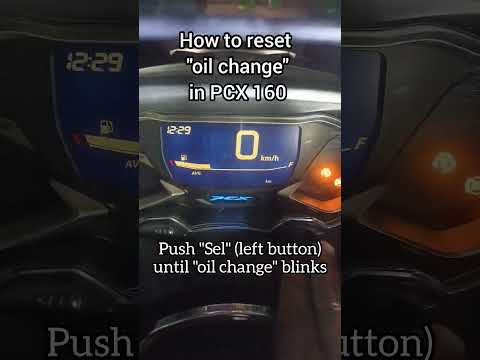
In this mini guide, discover the steps to manually reset the oil light on the central display of your Honda PCX 160. First, turn on the ignition with the key and press both the 'Sel' and 'Set' buttons located below it simultaneously. When the time starts to flash, hold 'Sel' until the oil indicator flashes, then press the 'Set' button once. To complete the reset, hold 'Sel' again until the operation is finished. by ScegliAuto More videos
|
|
For advertising on this site Write to info@scegliauto.com
ScegliAuto is not responsible for any inaccuracy of the data in the lists. To report any inaccuracy or your business (if you own the business in question), please write to info@scegliauto.com
Number of seconds to generate the page: 0.007
(c) ScegliAuto 2026 - info@scegliauto.com - Privacy policy VAT number: IT01247470535 |
