
|
Do it yourself
| |||
| ||||


Model: Yamaha Vino
As always, it is best to secure your motorcycle when performing maintenance to ensure the operator's safety. In this case, place your Yamaha Vino on its stand on a stable surface, and then elevate the front wheel using some boards so that it does not touch the ground. At this point, use the appropriate spanners to loosen the bolt that secures the front wheel's pivot. Once the pivot is removed, you can also take off the wheel from its hub, being careful not to lose the central piece of the tyre. Underneath the mudguard, there are 3 screws that hold it in place. Use the suitable spanner to remove them. Carefully pull down the mudguard along the shock absorbers and unscrew the 2 screws located on either side. Also, remove the speedometer. Now, you can take off the front piece of the mudguard. If you wish to remove the rear piece as well, it will require more work, as you will also need to disassemble the front brakes (which involves additional lengthy operations such as bleeding the brake system of fluid). Therefore, if not necessary, it is better to leave the rear piece of the mudguard in place.
Updated on 1 April 2026 by ScegliAuto
Video tutorial
Related tutorials
Vino
This tutorial shows how to replace the headlight bulb on a Yamaha Vino scooter, a very simple and quick operation. First, ensure that the key is not …
Vino
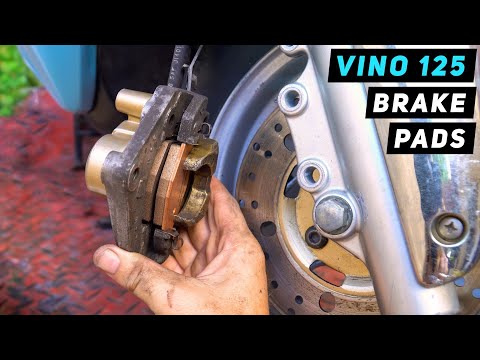
Today's instructions will show you how to disassemble and replace the front brake pads on a Yamaha Vino 125. First, place your scooter on the centre …
Vino
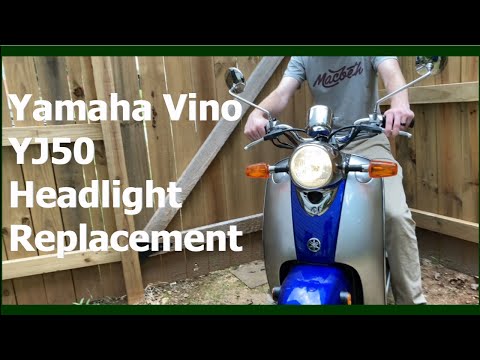
In this tutorial, you will see how to replace the headlight bulb on the Yamaha Vino YJ50 scooter, a very simple and quick operation. First, ensure th…
|
How to Change the Speed Unit on the Piaggio Mp3
If the speed displayed on your Piaggio Mp3 is in a unit of measurement different from your preference, simply follow this mini guide to change it independently. First, start this procedure with the bike completely off. Then, press and hold the "Mode" button on the right knob for about three seconds and turn on the display. Once done, press the "Mode" button again to switch between units (from Km/h to Mph or vice versa). Finally, hold down "Set" to save the changes. by ScegliAuto More videos
|
|
For advertising on this site Write to info@scegliauto.com
ScegliAuto is not responsible for any inaccuracy of the data in the lists. To report any inaccuracy or your business (if you own the business in question), please write to info@scegliauto.com
Number of seconds to generate the page: 0.005
(c) ScegliAuto 2026 - info@scegliauto.com - Privacy policy VAT number: IT01247470535 |
