
|
Do it yourself
| |||
| ||||


|
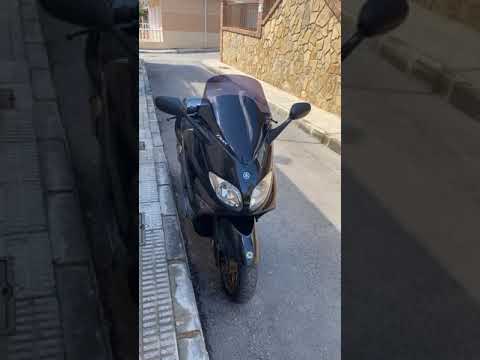
Model: Yamaha Tmax 500
To manually reset the total mileage recorded by the belt of your Tmax 500, follow the steps in this mini guide. Once the instrument panel is powered on, press the menu button several times to navigate through it. When you see the total mileage for the belt, press and hold the left button located below the water temperature indicator. After a few seconds, release the button and press it again until the belt mileage resets to zero.
Updated on 26 May 2026 by ScegliAuto
Video tutorial
Related tutorials
Tmax 500
Below are the instructions that will allow you to remove and replace the drive belt on the Yamaha Tmax 500 scooter. First, place it on the centre sta…
Tmax 500
This tutorial shows how to reset the drive belt service on a Yamaha TMAX 500 scooter, a very simple and quick operation to perform only after complet…

Tmax 500
To reset the V-Belt warning light on the Yamaha Tmax 500, turn on the ignition by turning the key in the ignition switch. Once the ignition is on, re…
|
How to Replace the Air Filter on a Honda CB500X?
Replacing the air filter on the Honda CB500X, as shown in this tutorial, is a very simple and quick operation. First, remove the seat, then loosen the nut securing the negative terminal of the battery, disconnect it, and repeat the process for the positive terminal. Next, detach the upper strap, remove the battery, and unscrew the 4 screws securing the airbox cover. Once opened, you can extract the old filter, remove any residue present in the housing, and fit the new part. by ScegliAuto More videos
|
For advertising on this site Write to info@scegliauto.com
ScegliAuto is not responsible for any inaccuracy of the data in the lists. To report any inaccuracy or your business (if you own the business in question), please write to info@scegliauto.com
Number of seconds to generate the page: 0.095
(c) ScegliAuto 2026 - info@scegliauto.com - Privacy policy VAT number: IT01247470535 |
