
|
Do it yourself
| |||
| ||||


Alfa Romeo Mito - Warning light – error codeWarning Light – Error Code Alfa Romeo Mito (2008-2018 / mk 1) Alfa Romeo Mito (2008-2018 / MK 1)
Error lights on the Alfa Romeo MiTo turned on at the same time: here's what to do In this video, we see how to behave when we find a series of worrying error lights on the dashboard of an Alfa Romeo MiTo: hill holder not available; VDC not …Read all… Posted on 21 February 2025 by ScegliAuto 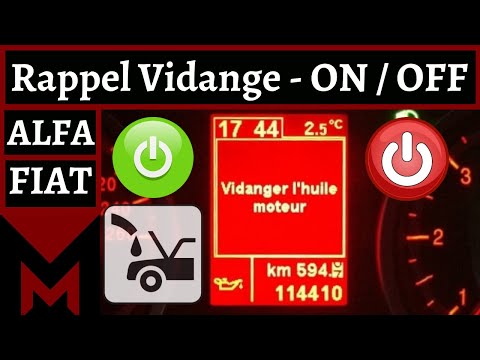 Alfa Romeo Mito (2008-2018 / MK 1)
How to Reset the Alfa Romeo Mito In this video, you will learn how to reset the Alfa Romeo Mito. As with any car with an electronic system, you can connect an OBD2 diagnostic device to the …Read all… Posted on 12 September 2026 by ScegliAuto 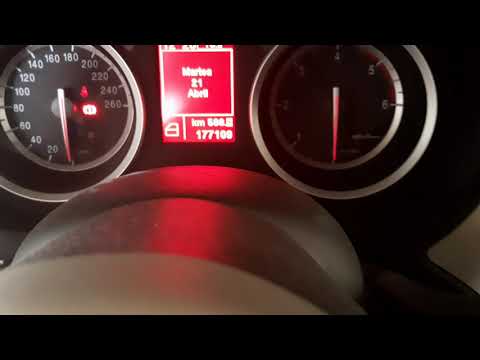 Alfa Romeo Mito (2008-2018 / MK 1)
How to Reset the Alfa Romeo Mito In this video tutorial, you will learn how to reset the Alfa Romeo Mito. Connect an OBD device for engine diagnostics to the designated port, usually located …Read all… Posted on 12 September 2026 by ScegliAuto 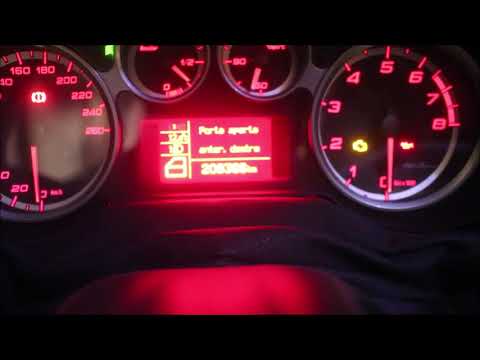 Alfa Romeo Mito (2008-2018 / MK 1)
How to Reset the Flashing Mileage on the Alfa Romeo MiTo Dashboard? If the mileage displayed on the Alfa Romeo MiTo dashboard is flashing, it is likely that the radio fuse has blown and needs to be replaced. To access this …Read all… Posted on 22 July 2026 by ScegliAuto Cigarette lighter (1) Airbag (5) Speaker (1) Antenna (1) Car stereo (8) Air vents (3) Bushings (1) Spark plugs (2) Glow plugs (1) Body (1) Control unit (1) Key (3) Trunk lock (1) Timing belt (9) Onboard computer (3) Checks and maintenance (11) Dashboard (3) Shifter boot (1) Bearing (1) Electric cooling fan (1) Headlight (5) Tail light (5) Air filter (4) Cabin air filter (3) Diesel fuel filter (1) Clutch (2) Accessory kit (2) Light bulb (9) Side marker bulb (1) Headlight bulb (13) Tail light bulb (1) Instrument panel light (2) License plate light (3) Handle (3) Power window motor (2) Transmission fluid (1) Engine oil (2) Clock (1) Door trim panel (5) Front bumper (5) Rear bumper (7) Brake pads (2) Hydraulic pistons (1) Shift knob (2) Car door (1) Power window switch (1) Instrument cluster (1) Radiator (1) Wheel (1) Fuse box (22) Seat (3) Door lock (1) Side mirror (6) Rearview mirror (1) Warning light – error code (4) Service warning light (11) Manufacturer emblem (5) Windshield wipers (3) Center console tunnel (2) Blower motor (2) |
How to Remove the Headrests from a Fiat Panda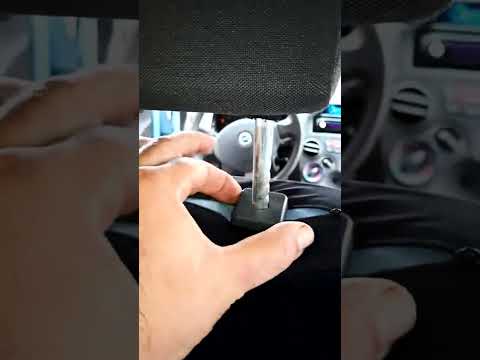
Below are the instructions to remove the headrests, both front and rear, from the Fiat Panda. First, get inside the vehicle and press and hold the side button located at the base of the headrest. Then, while holding the button, pull the headrest upwards to remove it, as shown in the video. At this point, perform the same operation on the other headrests. Now, simply insert them back in while holding the button, and finally adjust the height of all the headrests! by ScegliAuto More videos
|
|
For advertising on this site Write to info@scegliauto.com
ScegliAuto is not responsible for any inaccuracy of the data in the lists. To report any inaccuracy or your business (if you own the business in question), please write to info@scegliauto.com
Number of seconds to generate the page: 0.009
(c) ScegliAuto 2026 - info@scegliauto.com - Privacy policy VAT number: IT01247470535 |
