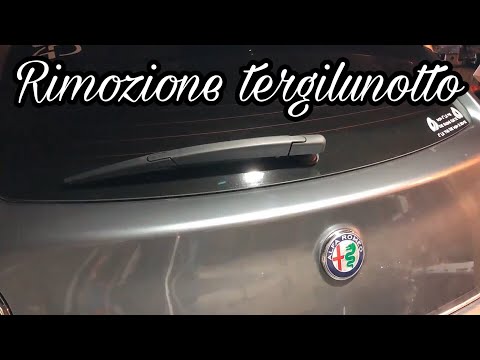
Alfa Romeo Mito - Windshield wipers
Windshield Wipers Alfa Romeo Mito (2008-2018 / mk 1)
Cigarette lighter (1)
Airbag (5)
Speaker (1)
Antenna (1)
Car stereo (8)
Air vents (3)
Bushings (1)
Spark plugs (2)
Glow plugs (1)
Body (1)
Control unit (1)
Key (3)
Trunk lock (1)
Timing belt (9)
Onboard computer (3)
Checks and maintenance (11)
Dashboard (3)
Shifter boot (1)
Bearing (1)
Electric cooling fan (1)
Headlight (5)
Tail light (5)
Air filter (4)
Cabin air filter (3)
Diesel fuel filter (1)
Clutch (2)
Accessory kit (2)
Light bulb (9)
Side marker bulb (1)
Headlight bulb (13)
Tail light bulb (1)
Instrument panel light (2)
License plate light (3)
Handle (3)
Power window motor (2)
Transmission fluid (1)
Engine oil (2)
Clock (1)
Door trim panel (5)
Front bumper (5)
Rear bumper (7)
Brake pads (2)
Hydraulic pistons (1)
Shift knob (2)
Car door (1)
Power window switch (1)
Instrument cluster (1)
Radiator (1)
Wheel (1)
Fuse box (22)
Seat (3)
Door lock (1)
Side mirror (6)
Rearview mirror (1)
Warning light – error code (4)
Service warning light (11)
Manufacturer emblem (5)
Windshield wipers (3)
Center console tunnel (2)
Blower motor (2)
|
How to Reset the Tyre Pressure Warning Light on the Hyundai Tucson
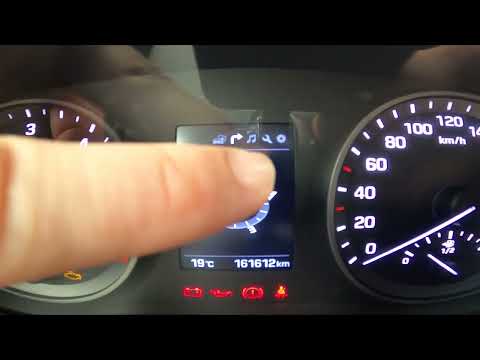
Today, we will discover the instructions that will allow you to reset the tyre pressure warning light (TPMS) on the Hyundai Tucson; before performing the reset, ensure that all four tyres are at the correct operating pressure. Then, get in the vehicle and start the ignition; next, navigate to the onboard computer settings using the controls on the steering wheel until you reach the tyre pressure monitoring section, as shown in the video. At this point, confirm and execute the reset of the TPMS warning light!
Watch the video!
by ScegliAuto
More videos
|