
|
Do it yourself
| |||
| ||||


|
Model: Aprilia Shiver 750
If the maintenance light has appeared on the display of your Aprilia Shiver 750, don’t worry. You can easily eliminate it in a few seconds through a reset procedure that we will describe below. First, insert the key and turn on the ignition. Then, access the onboard computer menu and select the "Diagnostics" option. When prompted for the code, use the lever on the handlebars to enter "12398". Next, scroll down and select "Service Reset" and confirm the operation. A few moments later, the reset is complete, and you can exit the menu.
Updated on 21 May 2026 by ScegliAuto
Video tutorial
Related tutorials
Shiver 750
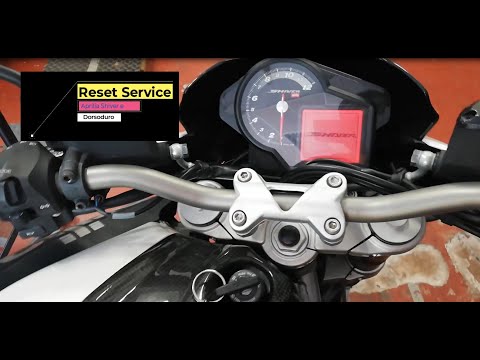
Today, you will learn how to independently reset the service light related to the service on an Aprilia Shiver 750 motorcycle. After performing the s…
Shiver 750
To reset the Service light on the Aprilia Shiver, turn on the ignition so you can access the menu: using the controls on the right of the handlebars,…
Shiver 750
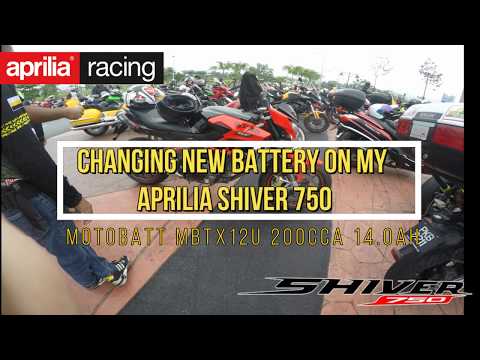
To replace the battery on the Aprilia Shiver 750, detach the seat from its housing to access the components underneath: here you will find the batter…
|
How to Replace the Air Filter on a Harley Davidson Dyna?
To replace the air filter on a Harley Davidson Dyna, loosen the screws securing the cover located on the right side of the bike, just below the fuel tank. Once the cover is removed, you will locate the filter underneath: it must be removed from its housing by unscrewing the fastening screws and sliding it out from its compartment. After the old filter has been removed, position the new replacement part, securing it in place with the screws and covering everything with the cover. by ScegliAuto More videos
|
For advertising on this site Write to info@scegliauto.com
ScegliAuto is not responsible for any inaccuracy of the data in the lists. To report any inaccuracy or your business (if you own the business in question), please write to info@scegliauto.com
Number of seconds to generate the page: 0.005
(c) ScegliAuto 2026 - info@scegliauto.com - Privacy policy VAT number: IT01247470535 |
